Private chat conversion on Android
Free for Android
Chat to PDF & Epub for WhatsApp chats
Turn your whatsapp chats into PDFs and ebooks.
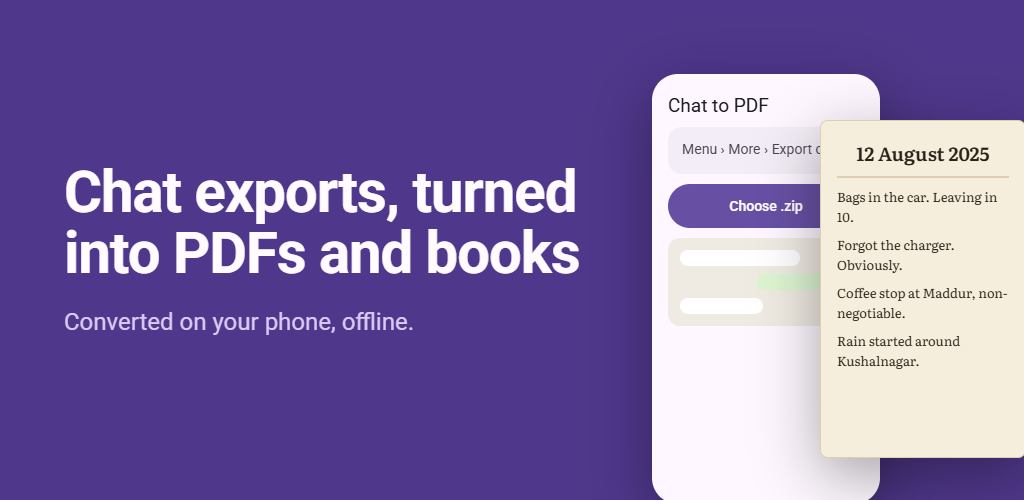
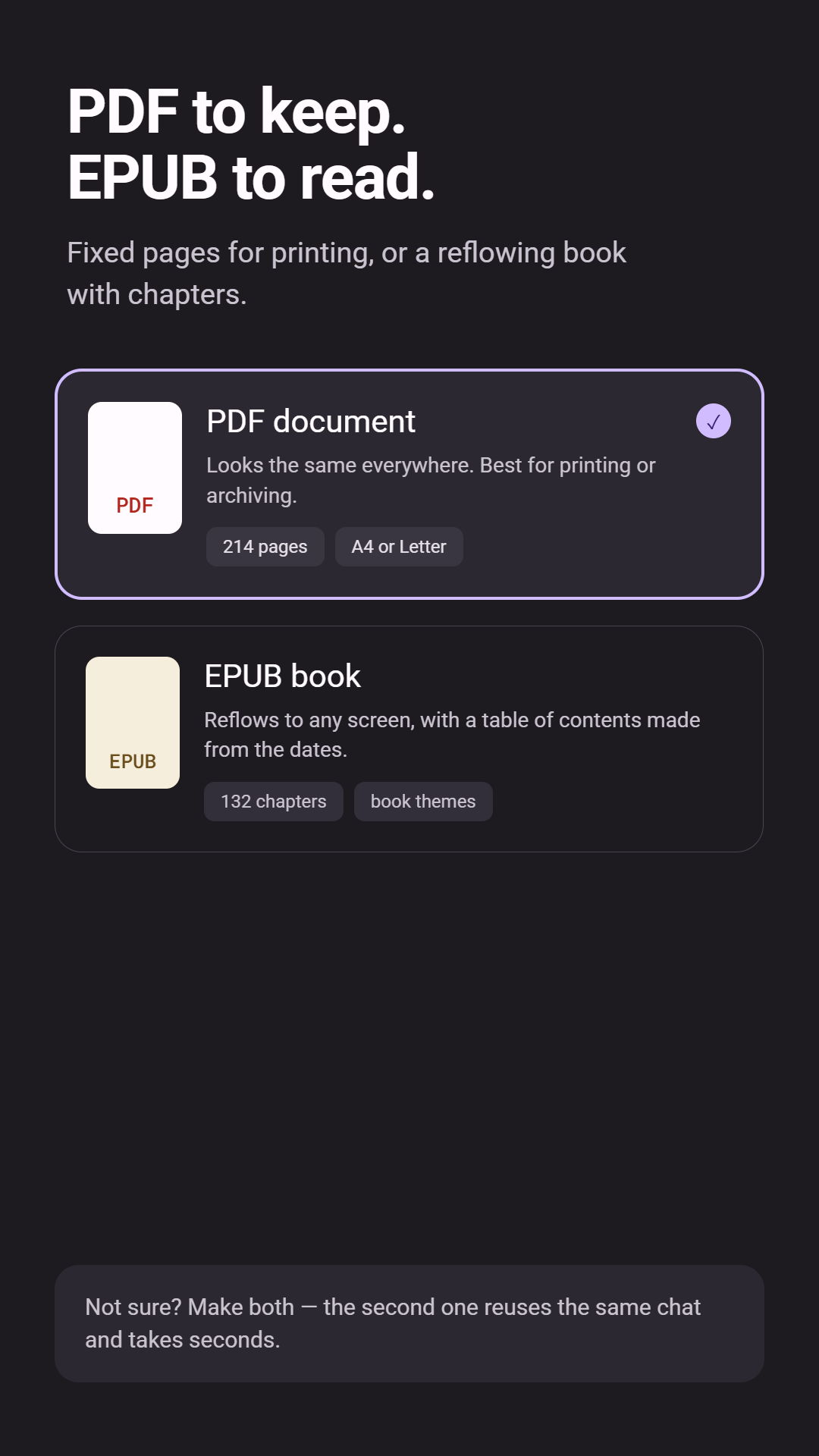
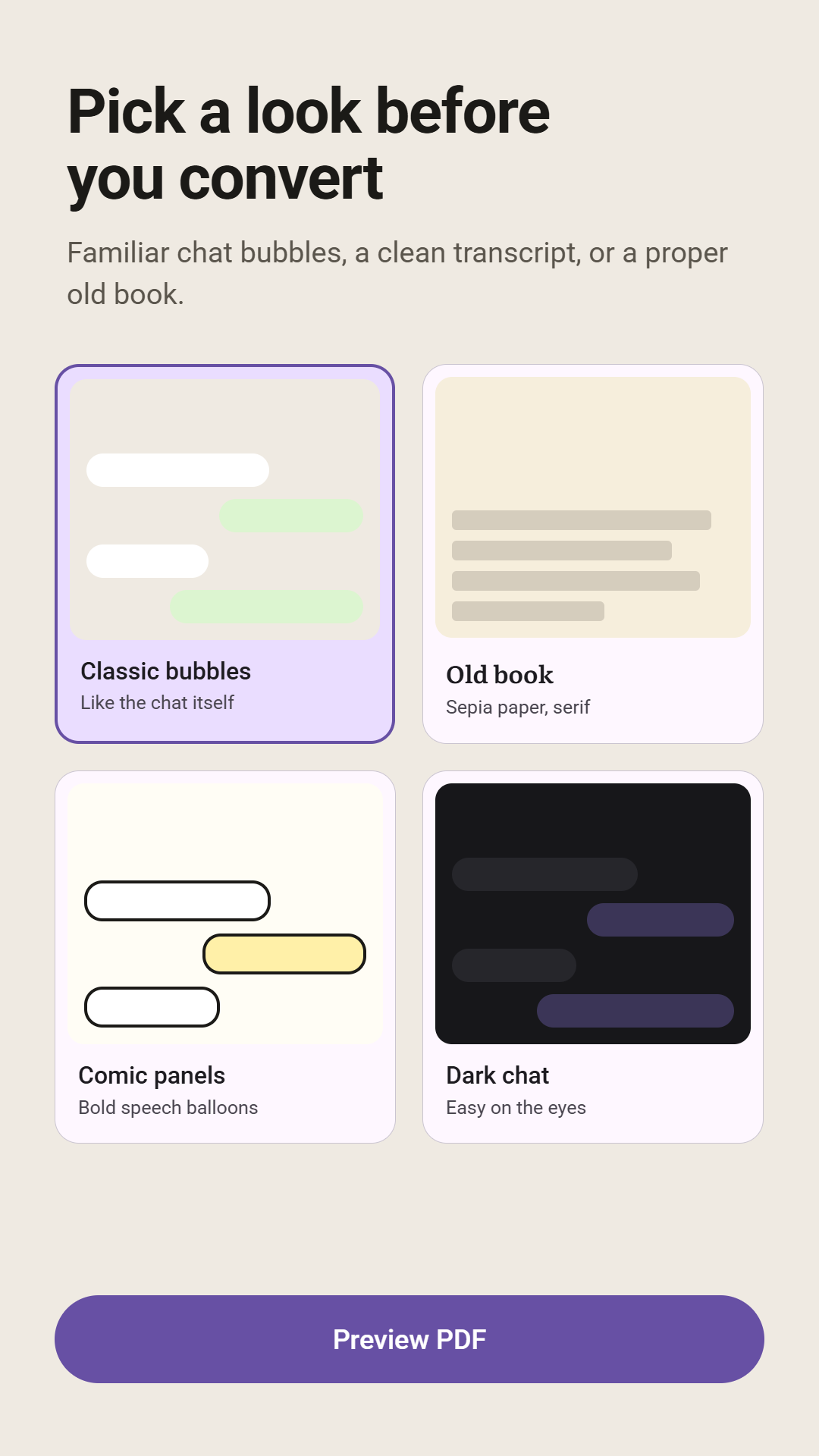
Choose the ZIP export from your chat app and create a polished PDF or EPUB directly on your phone. Select participants, adjust the format and theme, and keep large conversations private with fully offline processing.
- PDF and EPUB output for exported chats
- Fully offline conversion with nothing uploaded
- Participant, theme, and content controls
- Handles large ZIP exports up to 2 GB
Inside the app
See how Chat to PDF & Epub works
Scroll to explore
How to convert a WhatsApp chat to PDF
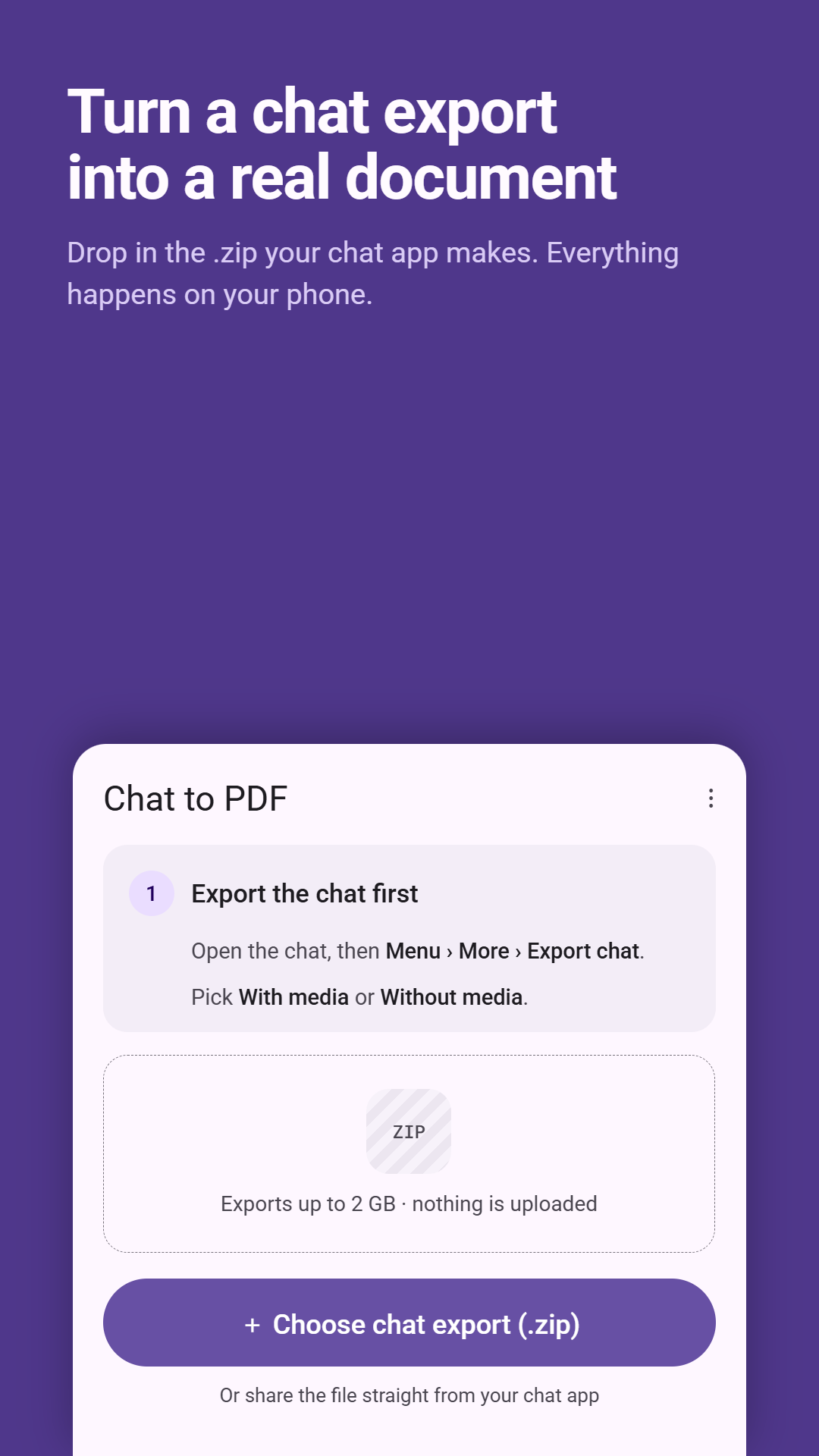
- In WhatsApp, open the chat you want to keep, tap the ⋮ menu, then More › Export chat.
- Choose whether to include media. WhatsApp creates a ZIP file of the conversation; save it to your phone.
- Open Chat to PDF & Epub and choose the ZIP file.
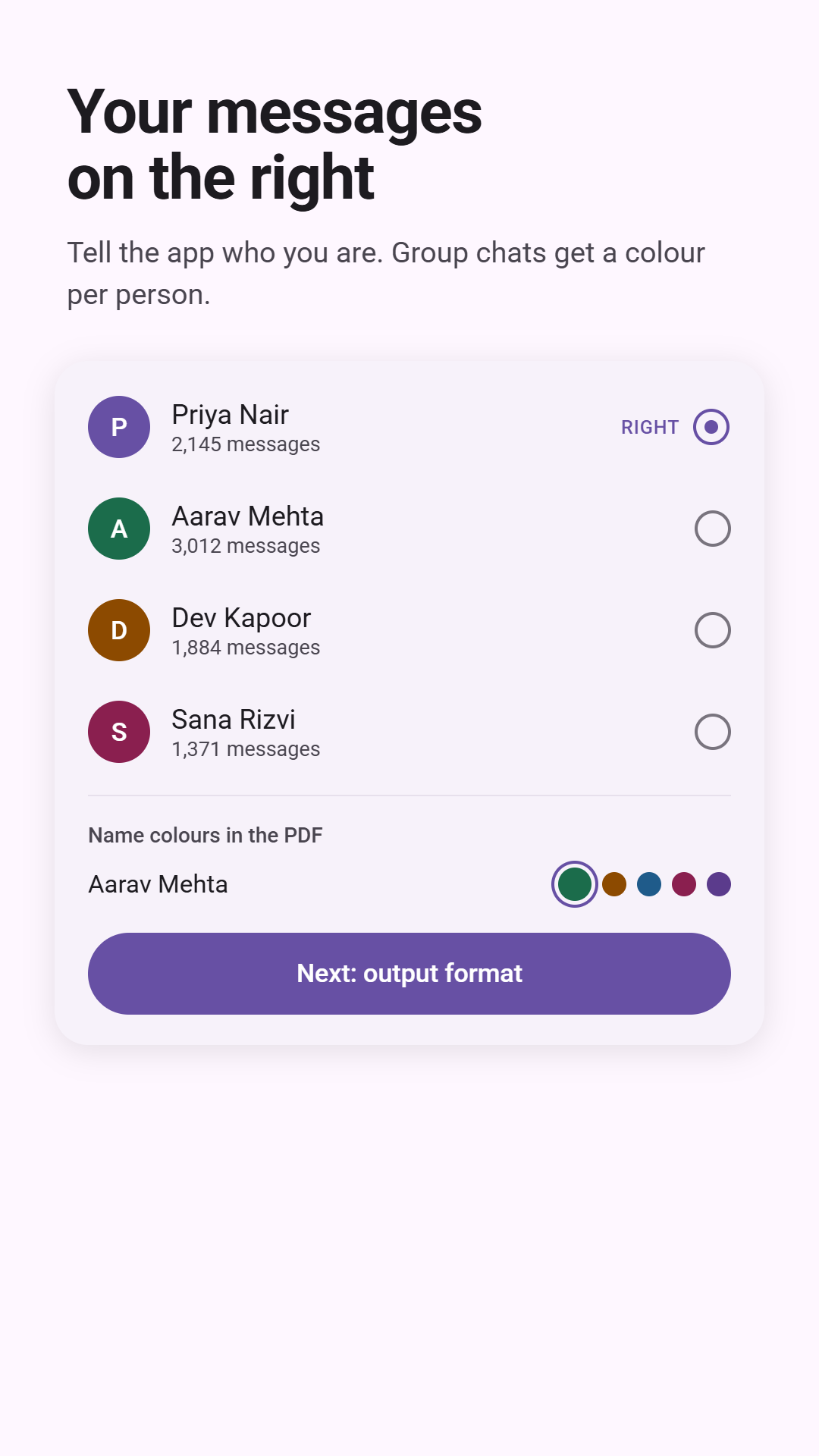
- Select the participants to include, then set the format, theme and content options.
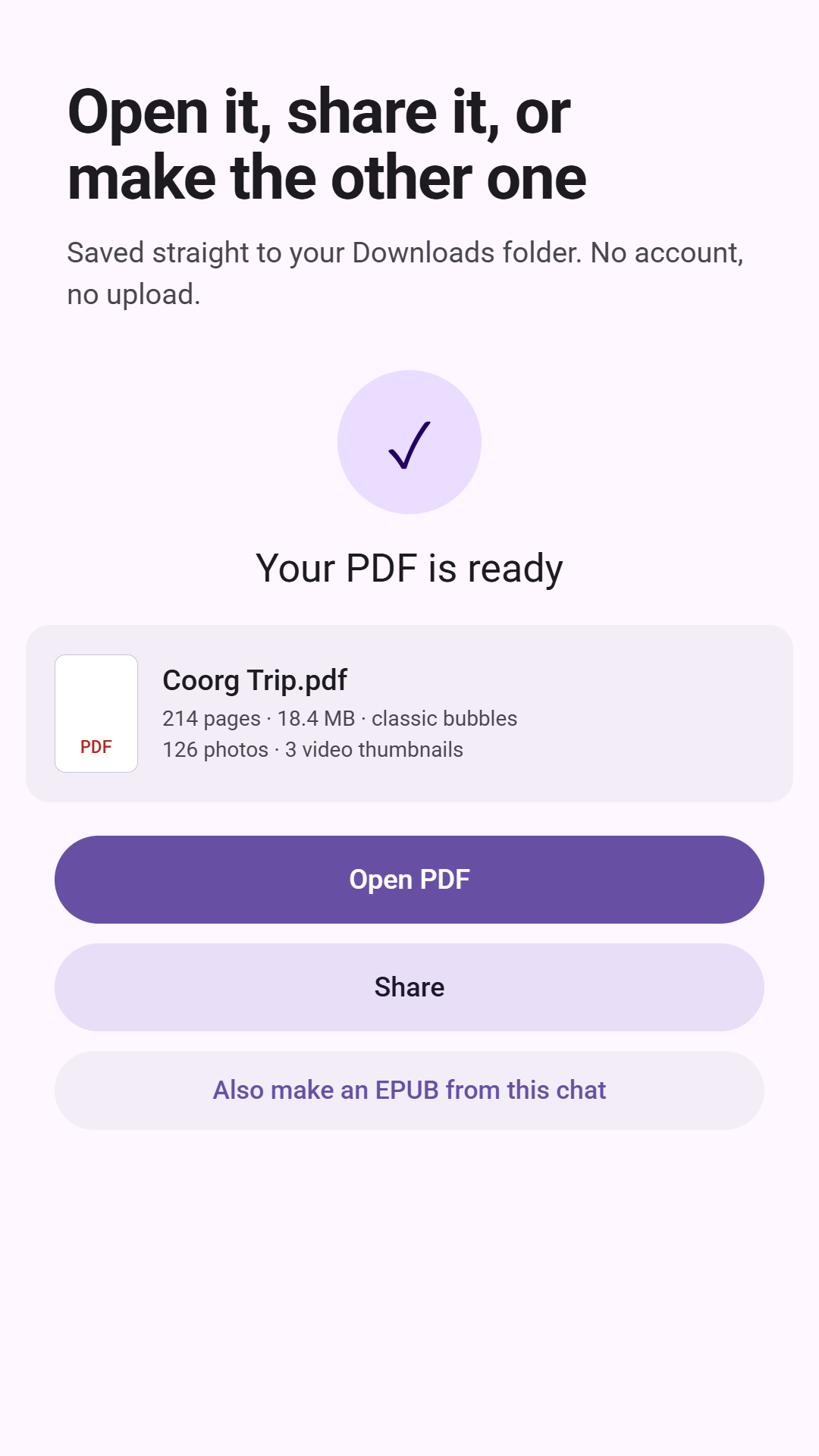
- Create your PDF or EPUB and save it.
Private, offline conversion
Everything happens on your phone. Your chats and the PDF or EPUB files made from them are never uploaded to our servers or to anyone else, and the app works without an account. ZIP exports of up to 2 GB are supported, so long conversations exported with media are fine.
Chat to PDF & Epub FAQ
Does Chat to PDF & Epub upload my WhatsApp chats?
No. All conversion happens on your device, so your chats and the documents made from them never leave your phone. The app has no account or sign-in.
How large a chat can it handle?
It handles chat exports of up to 2 GB, which covers long conversations exported with media.
Is it free?
Yes. The app is free on Google Play and shows ads. Optional premium features can be bought through Google Play.
Can I make an ebook instead of a PDF?
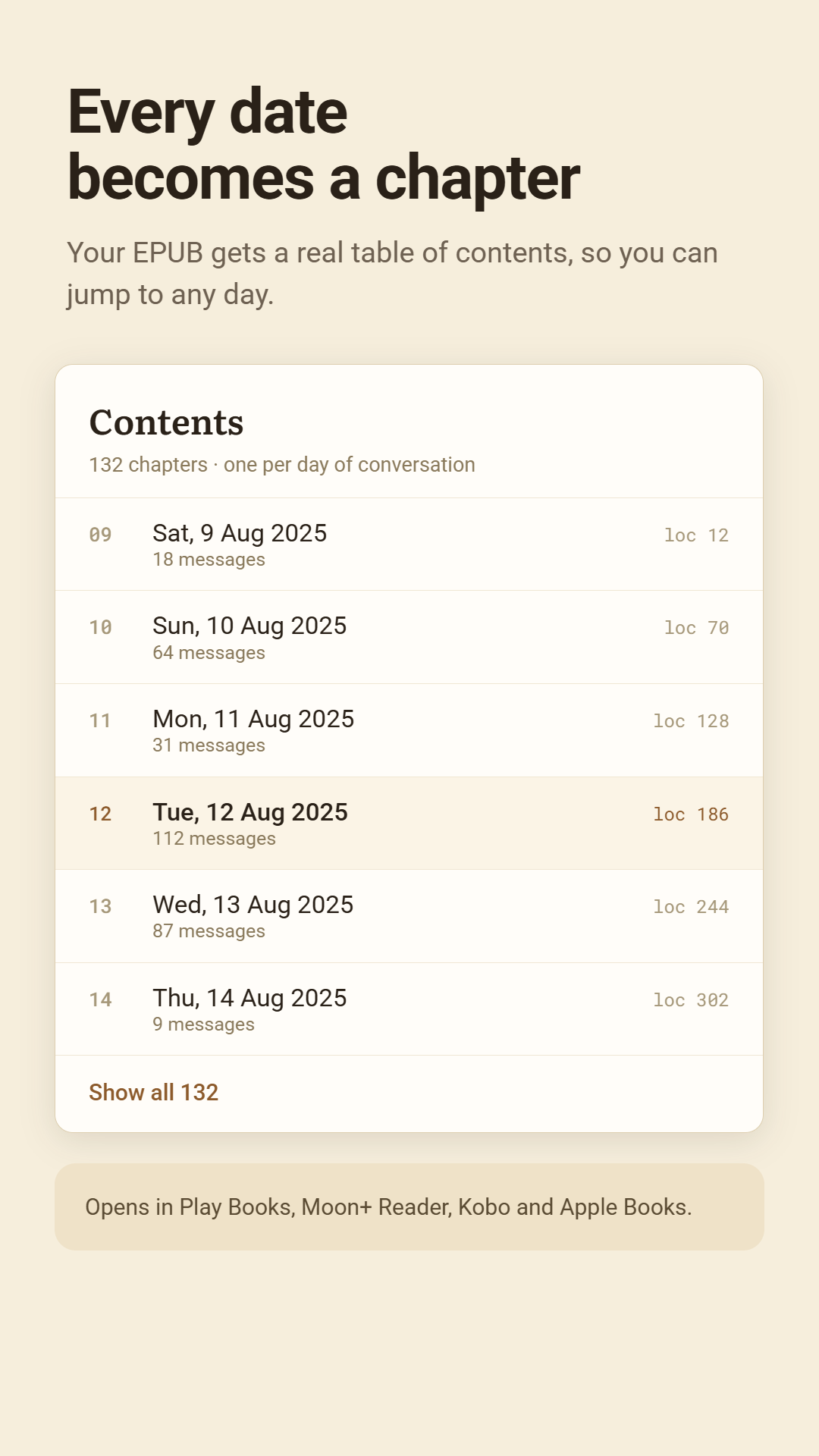
Yes. Choose EPUB as the output to read the conversation in any e-book reader, with text that reflows to fit your screen.