Your conversations deserve to become useful documents.
A growing collection of focused mobile and desktop tools for exporting AI conversations and chat histories into files you can keep, read, edit, and share.
AI conversations, saved properly
Free for Android
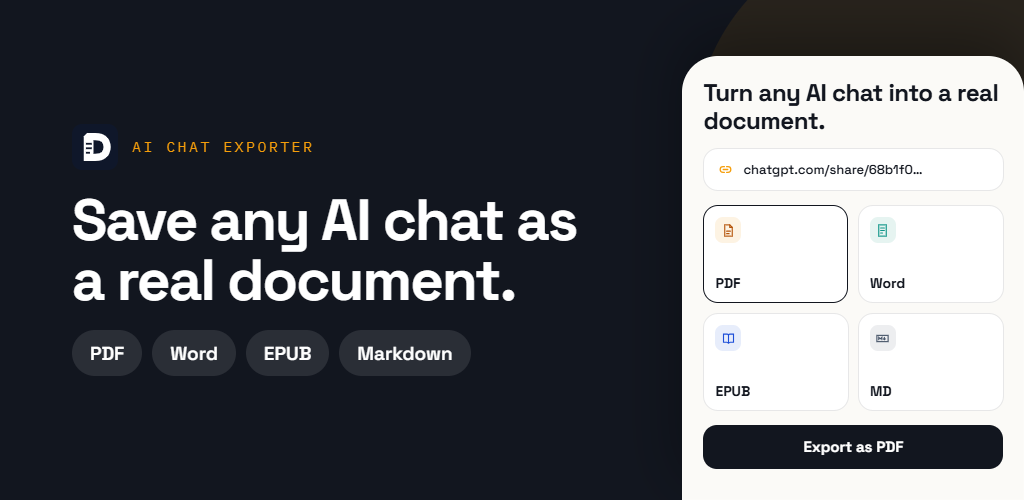
AI Chat Exporter
Turn any shared AI chat into a real document.
Paste a public conversation link from ChatGPT, Claude, Gemini, or any web page and export it as a clean PDF, editable Word file, EPUB, or Markdown document. Your content is processed only to create the file and is never permanently stored.
- ChatGPT, Claude, Gemini, and public web links
- PDF, Word, EPUB, and Markdown export
- Built-in PDF tools and document library
- Clean formatting for code, tables, lists, and images
Private chat conversion on Android
Free for Android
Chat to PDF & Epub
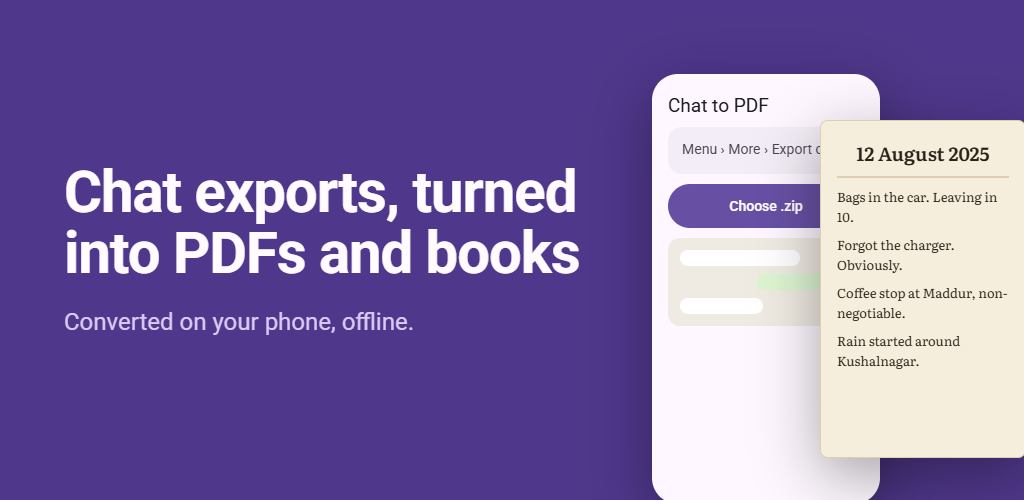
Turn your whatsapp chats into PDFs and ebooks.
Choose the ZIP export from your chat app and create a polished PDF or EPUB directly on your phone. Select participants, adjust the format and theme, and keep large conversations private with fully offline processing.
- PDF and EPUB output for exported chats
- Fully offline conversion with nothing uploaded
- Participant, theme, and content controls
- Handles large ZIP exports up to 2 GB
Markdown, EPUB, and PDF on Windows
Available for Windows
Markdown Room
Read and write Markdown. Open EPUB and PDF.
A quiet place to read and write the documents already on your PC. Point it at the folders you already use and open Markdown notes, EPUB books, and PDFs in one window, with no account, no uploads, and edits saved straight back to your files.
- GitHub-flavoured Markdown with typeset maths
- Paginated EPUB reader and full PDF controls
- Eight reading themes and local PDF export
- No account, no ads, no tracking, no subscription
Markdown, EPUB, and PDF on Android
Free for Android
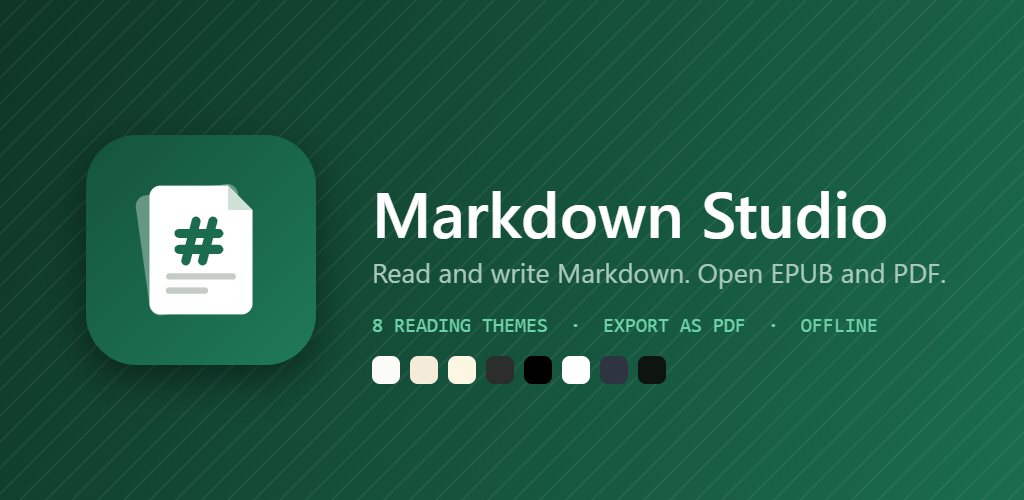
Markdown Studio
Read and write Markdown. Open EPUB and PDF.
Markdown Room for Android. Open the Markdown notes, EPUB books, and PDFs already on your phone in one app, with no account, no uploads, and edits saved straight back to your files. Free to download, with the full app unlocked by a one-time in-app purchase.
- GitHub-flavoured Markdown with typeset maths
- Paginated EPUB reader and full PDF controls
- Eight reading themes and local PDF export
- No account, no ads, no tracking, no subscription
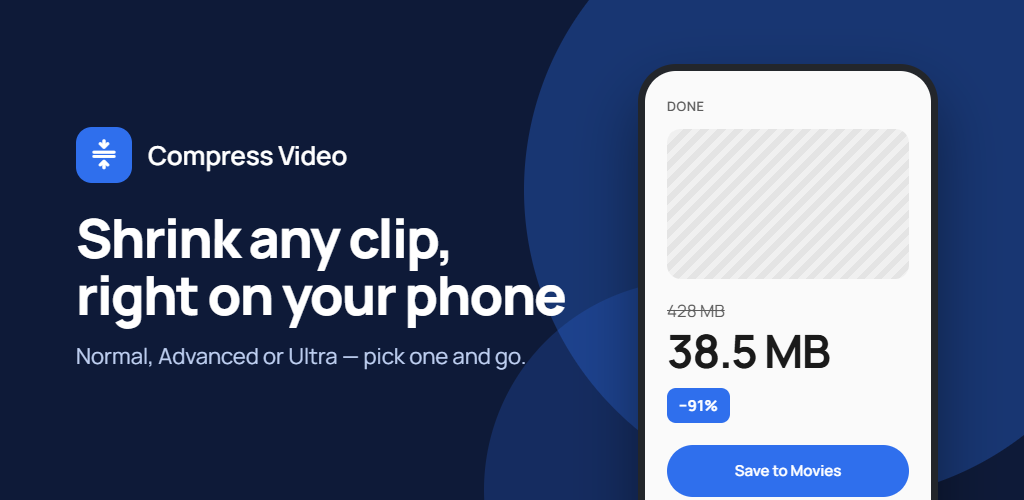
Smaller videos, made on your phone
Free for Android
Compress Video
Make videos smaller. Nothing uploads.
Shrink large videos so they are small enough to share, send, or store. Pick a target size or a quality level, see the estimated result before you start, and compress entirely on your phone, so your videos never leave it.
- Target an exact size in MB, or a quality level
- Normal, Advanced and Ultra compression
- Handles long recordings and 4K video
- On-device only, with no account or uploads