
Smaller videos, made on your phone
Free for Android
Compress Video for Android
Make videos smaller. Nothing uploads.
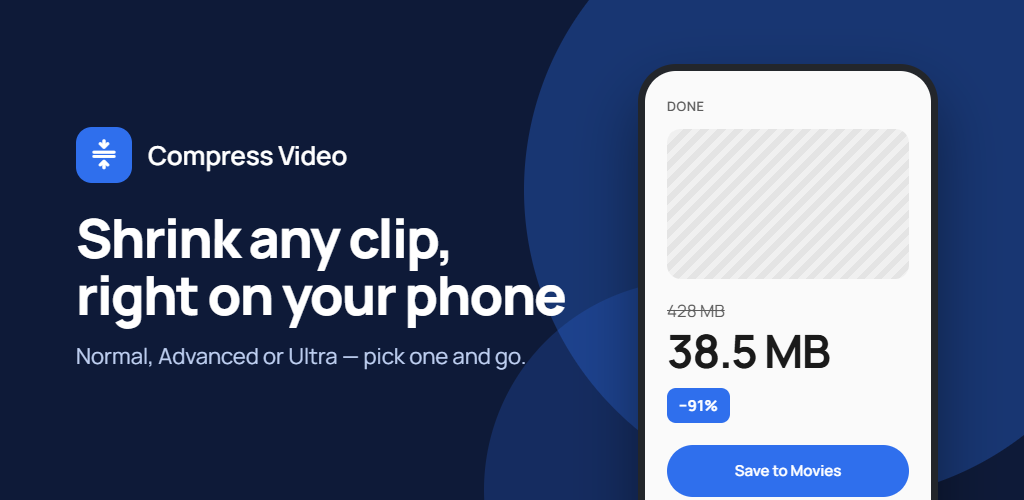
Shrink large videos so they are small enough to share, send, or store. Pick a target size or a quality level, see the estimated result before you start, and compress entirely on your phone, so your videos never leave it.
- Target an exact size in MB, or a quality level
- Normal, Advanced and Ultra compression
- Handles long recordings and 4K video
- On-device only, with no account or uploads
Inside the app
See how Compress Video works
Scroll to explore
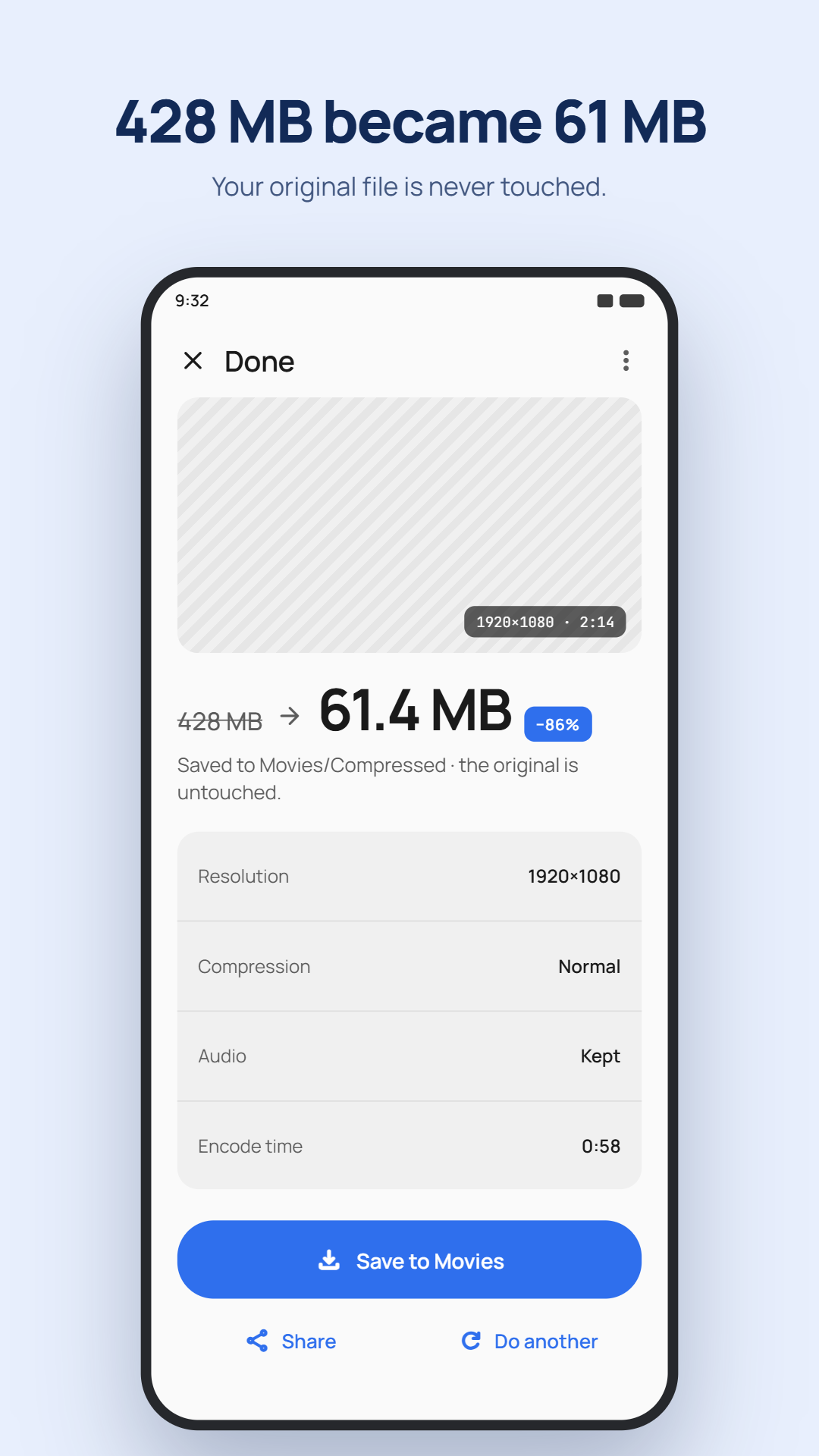
How to compress a video
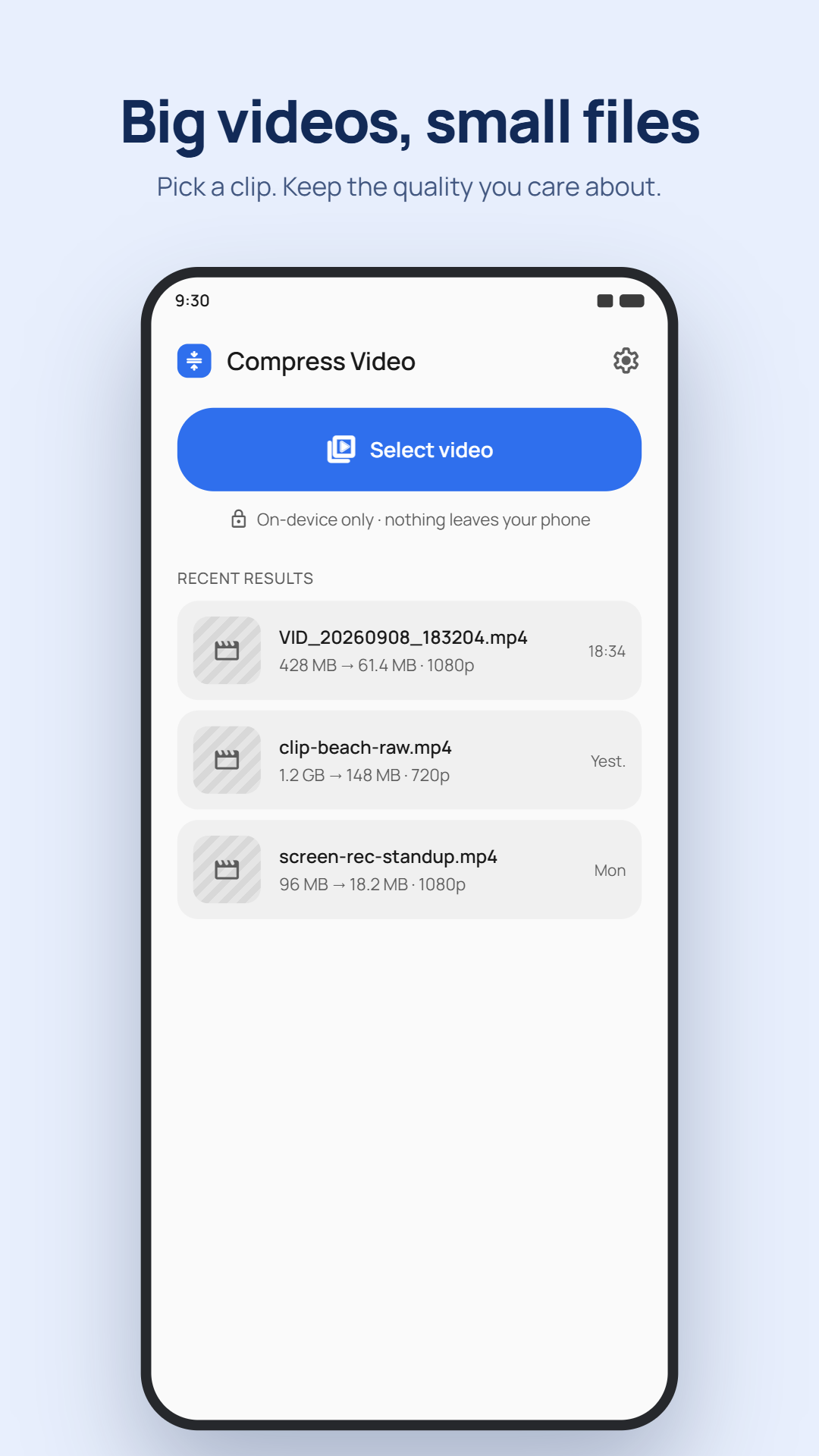
- Open Compress Video and select a video, or share one into it from another app.
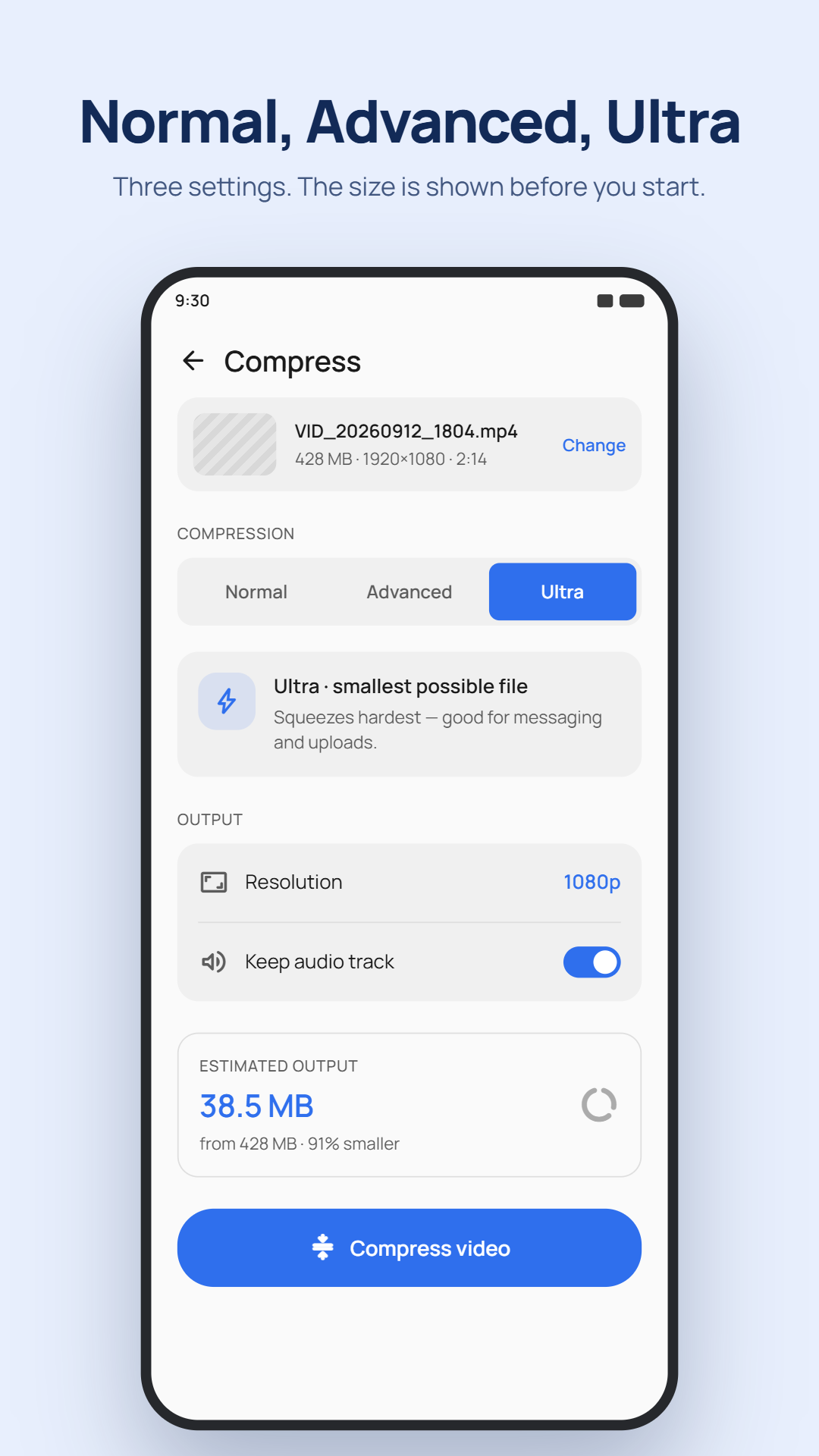
- Choose Normal, Advanced or Ultra compression, and pick a target size or quality level.
- Optionally lower the resolution to 1440p, 1080p, 720p or 480p, or remove the audio track.
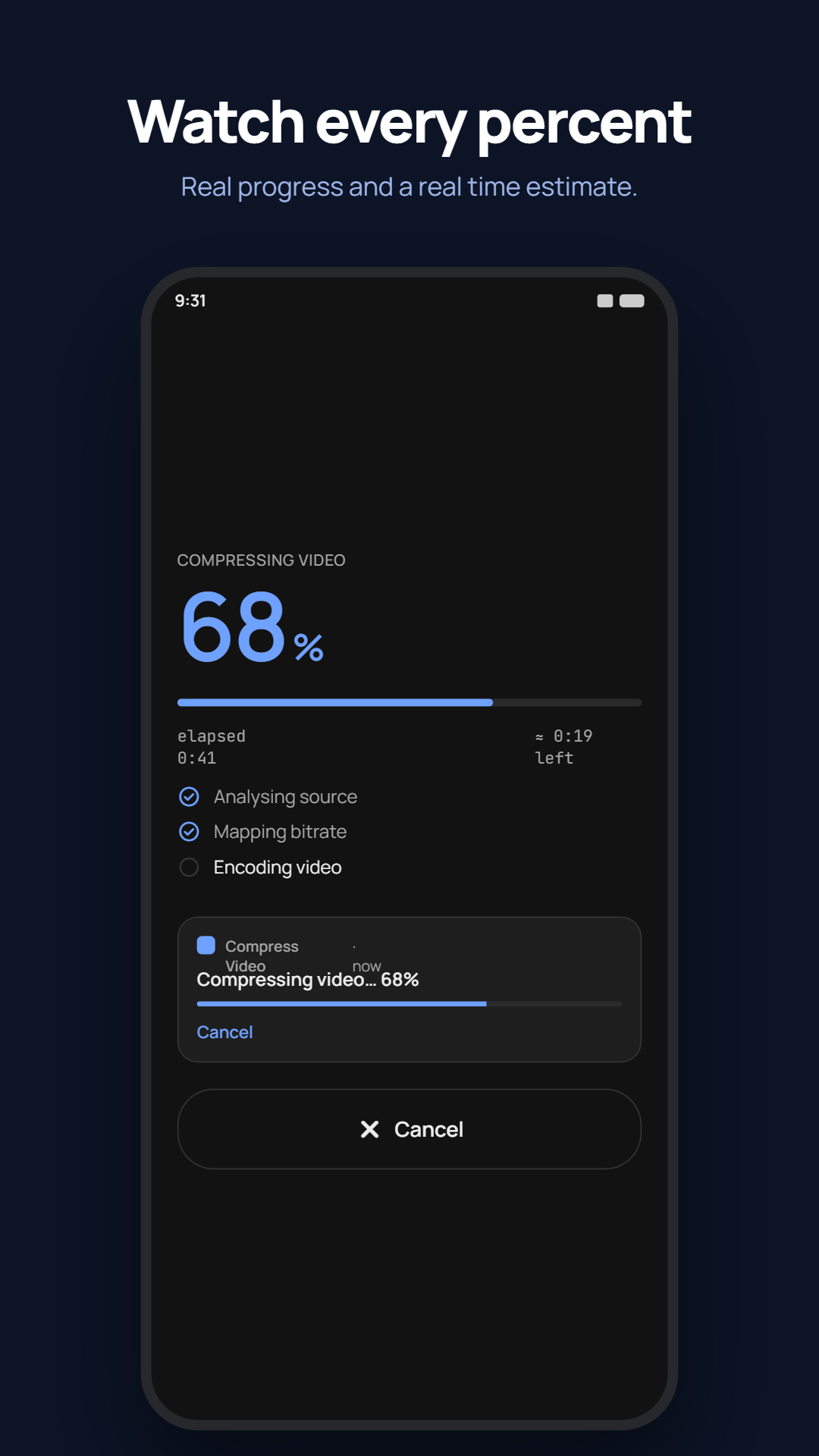
- Check the estimated size and time, then start compressing.
- Save the smaller video to your gallery or share it straight to another app.
Three compression levels
- Normal: the fastest, and plays on any device.
- Advanced: smaller files at the same quality, and plays on most devices.
- Ultra: the smallest files. Much slower, and for phones with 6 GB of memory or more.
Private, on-device compression
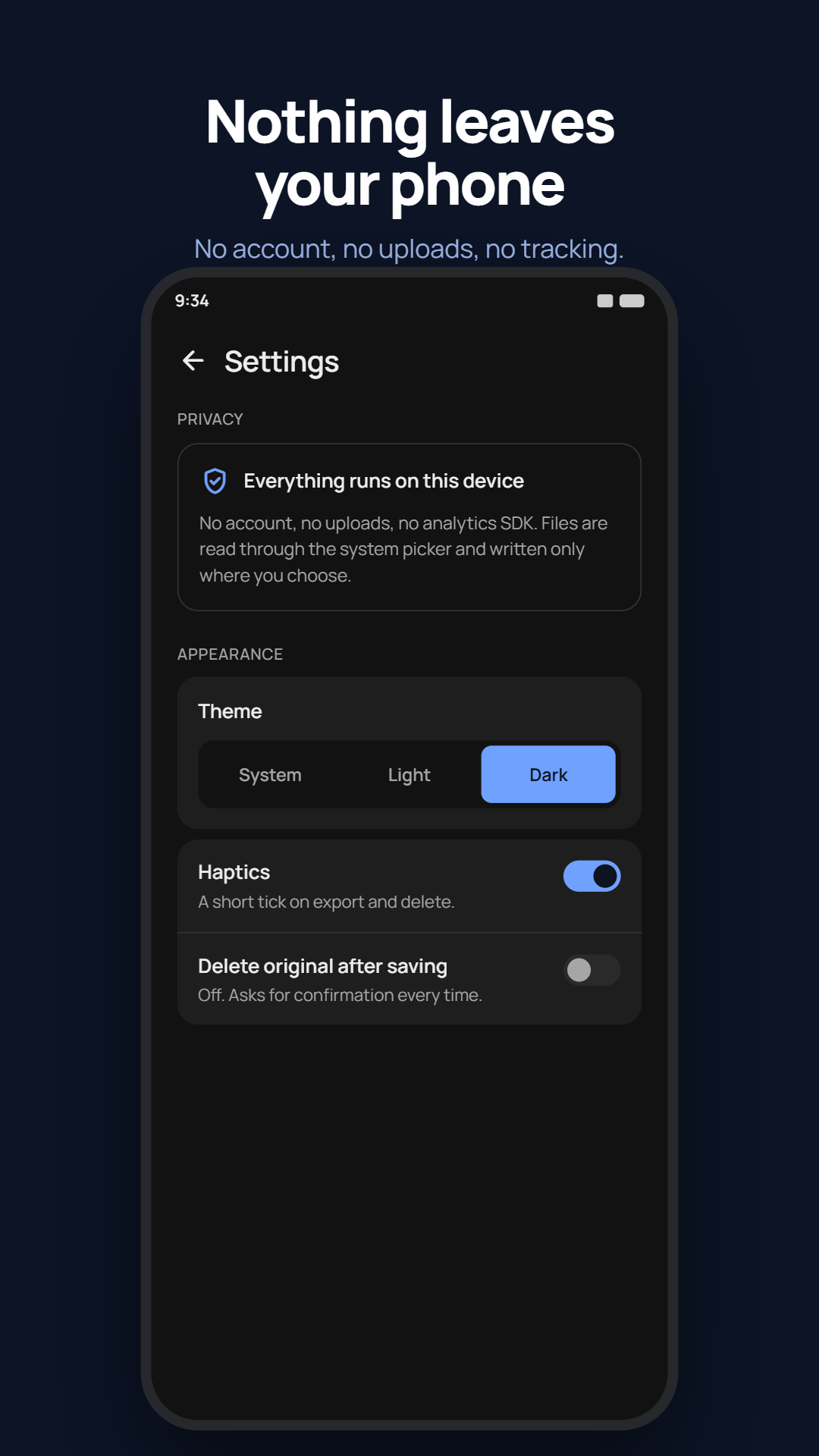
Every video is compressed on your phone. Nothing is uploaded, and there is no account. Videos are read through the system file picker and written only where you choose, by default to Movies/Compressed. Compression keeps running when you leave the app, with a progress notification and a Cancel button.
Compress Video FAQ
Does Compress Video upload my videos?
No. All compression happens on your phone, so your videos never leave it. The app has no account or sign-in.
Can I compress a video to a specific size?
Yes. Choose Smaller, Balanced or Better, or enter an exact size in MB. The app works out what each video can reach and tells you when it can't go any smaller.
Does it change my original video?
No. The compressed video is saved as a new file and your original is left as it is. If you want to free up space, you can turn on Delete original after saving in Settings. It is off by default, and on newer versions of Android you are asked to confirm before the original is deleted.
Is Compress Video free?
Yes. It is free on Google Play and shows ads. Ultra compression is unlocked by watching a short ad, and a one-time purchase removes all ads for good.