
AI conversations, saved properly
Free for Android
AI Chat Exporter
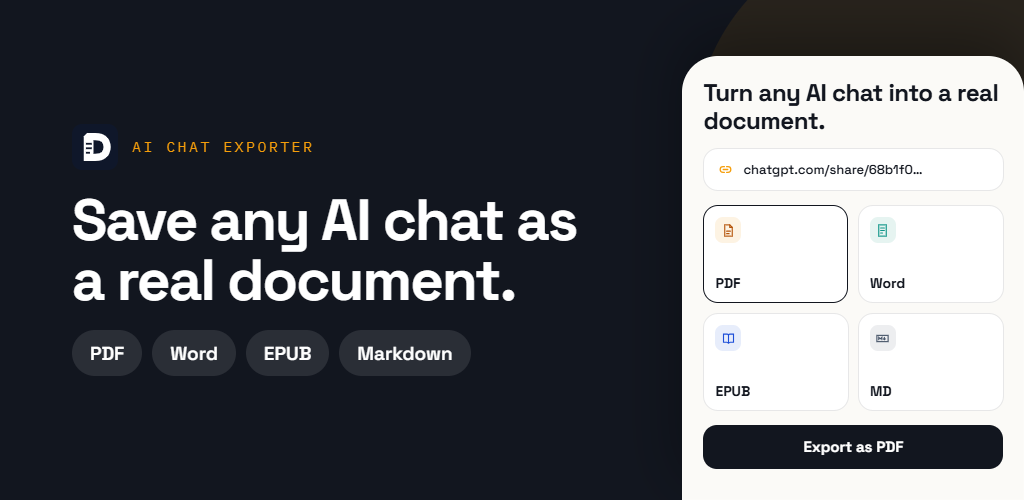
Turn any shared AI chat into a real document.
Paste a public conversation link from ChatGPT, Claude, Gemini, or any web page and export it as a clean PDF, editable Word file, EPUB, or Markdown document. Your content is processed only to create the file and is never permanently stored.
- ChatGPT, Claude, Gemini, and public web links
- PDF, Word, EPUB, and Markdown export
- Built-in PDF tools and document library
- Clean formatting for code, tables, lists, and images
Inside the app
See how AI Chat Exporter works
Scroll to explore
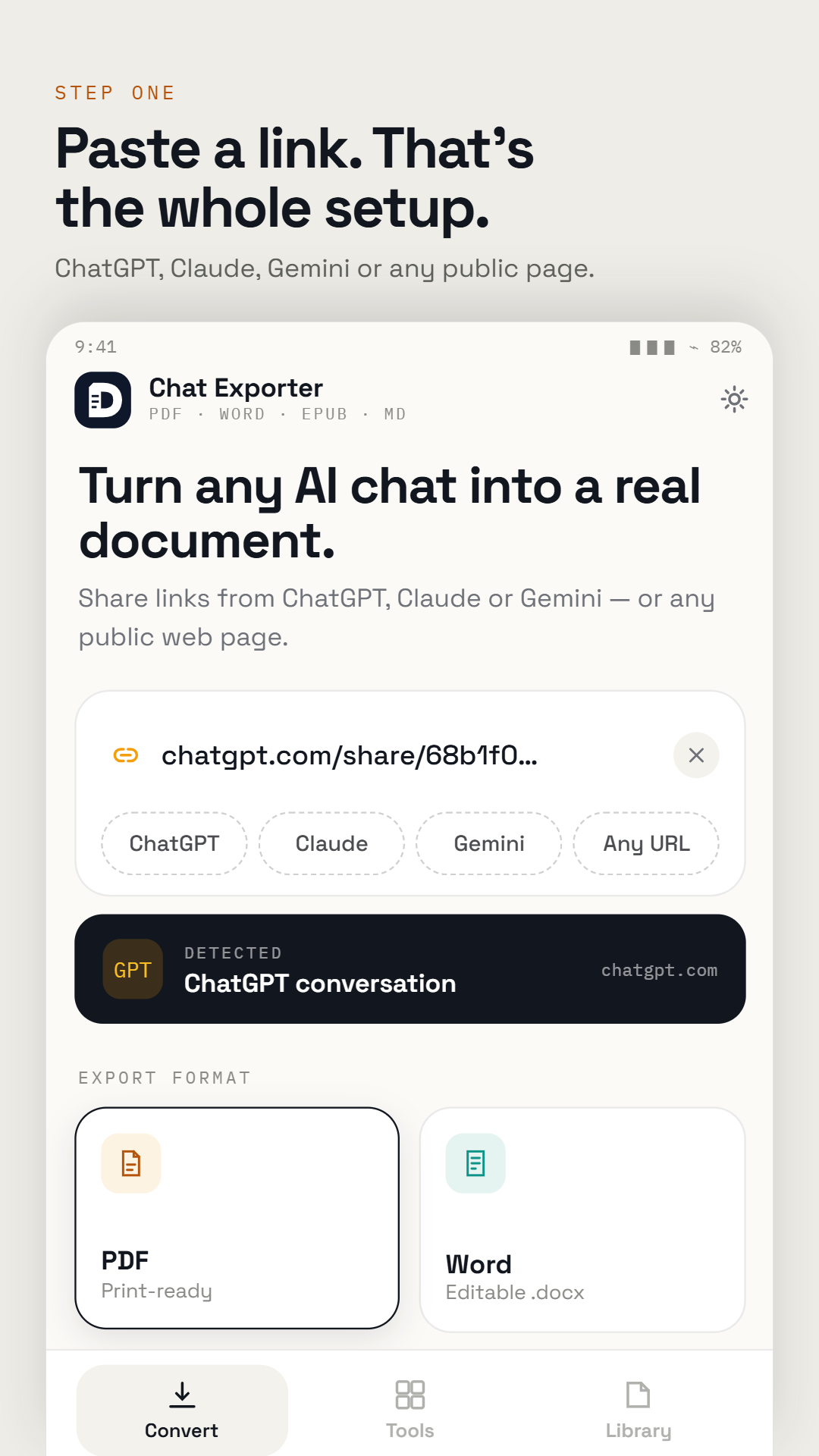
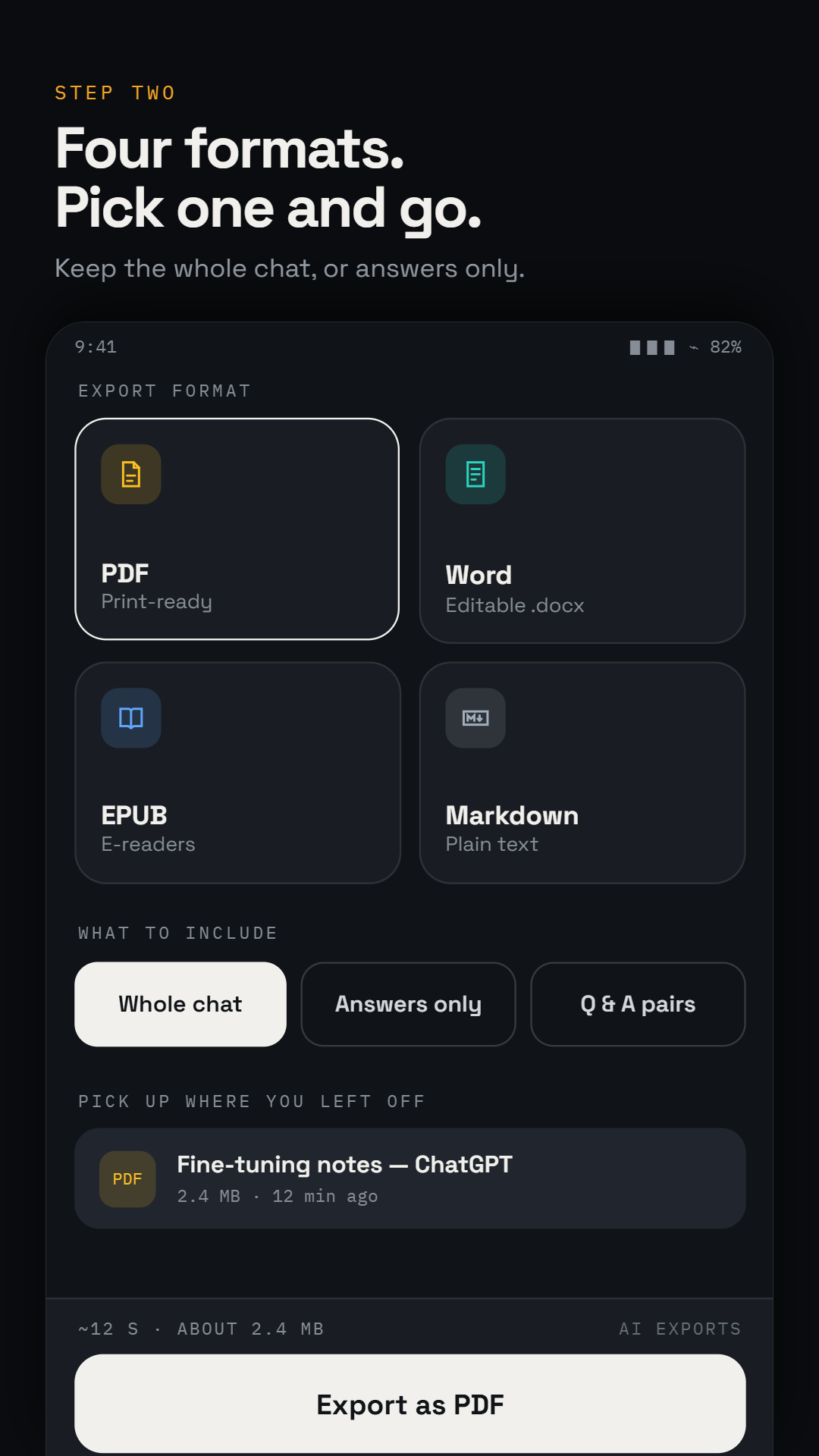
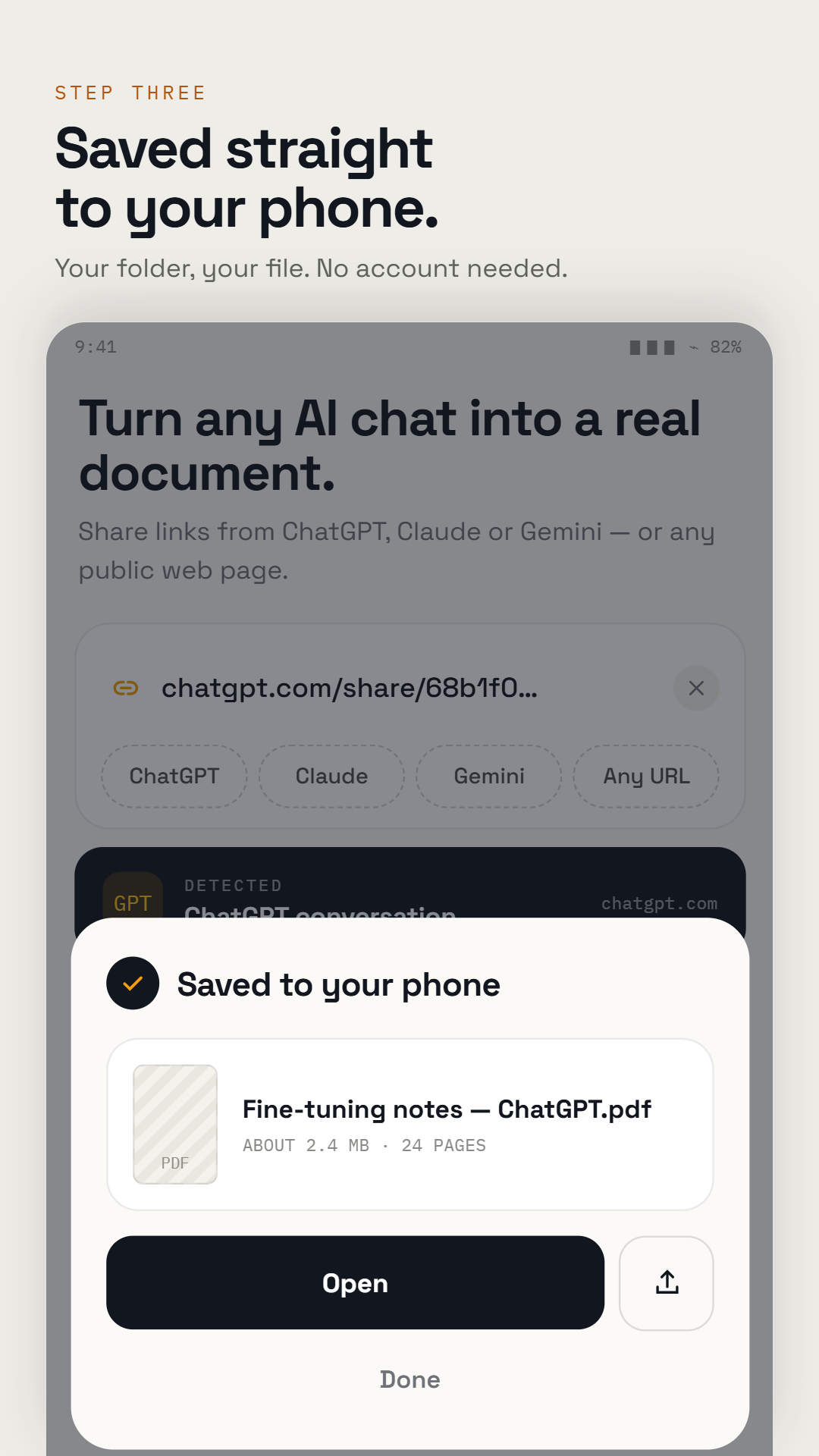
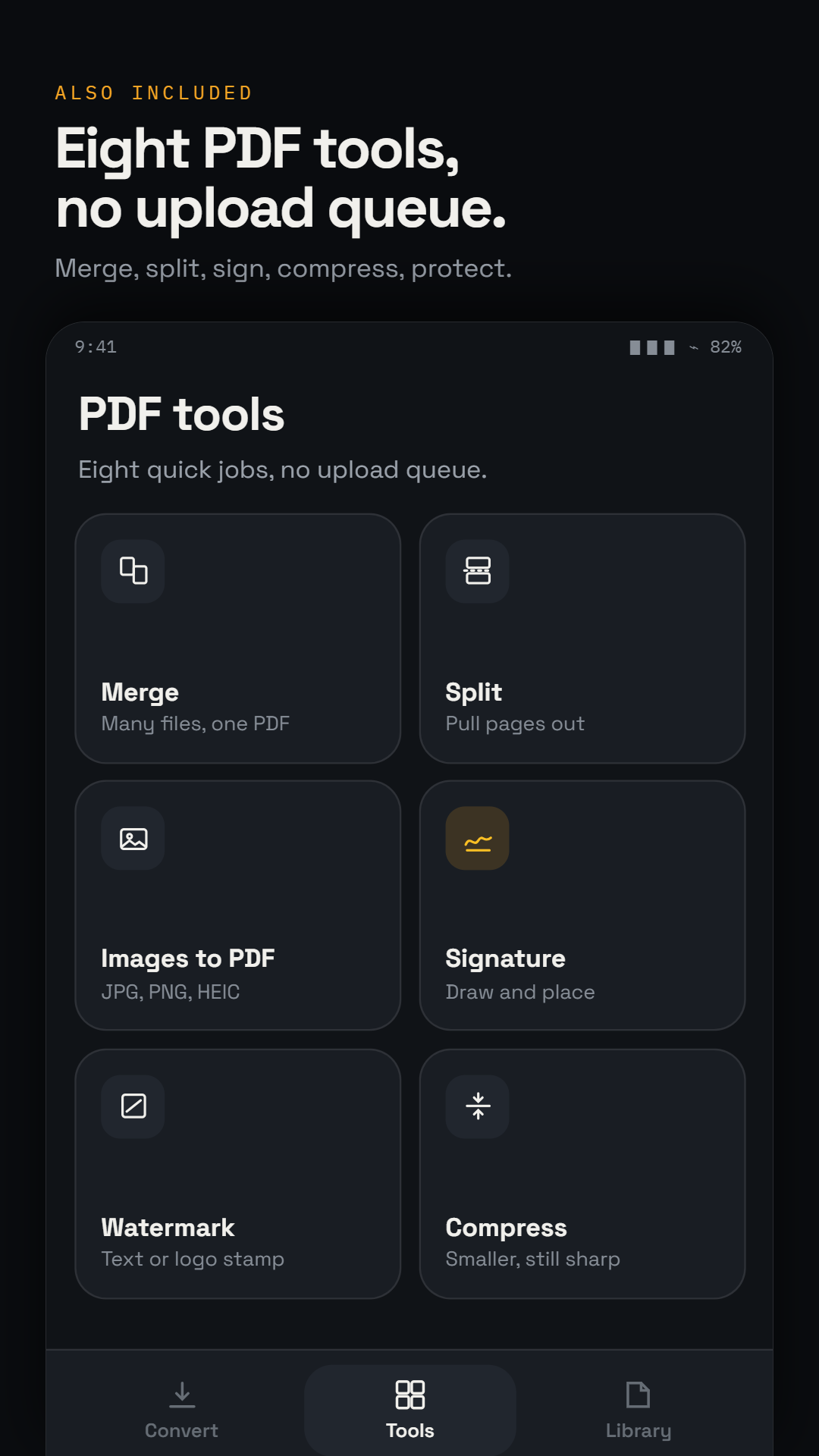
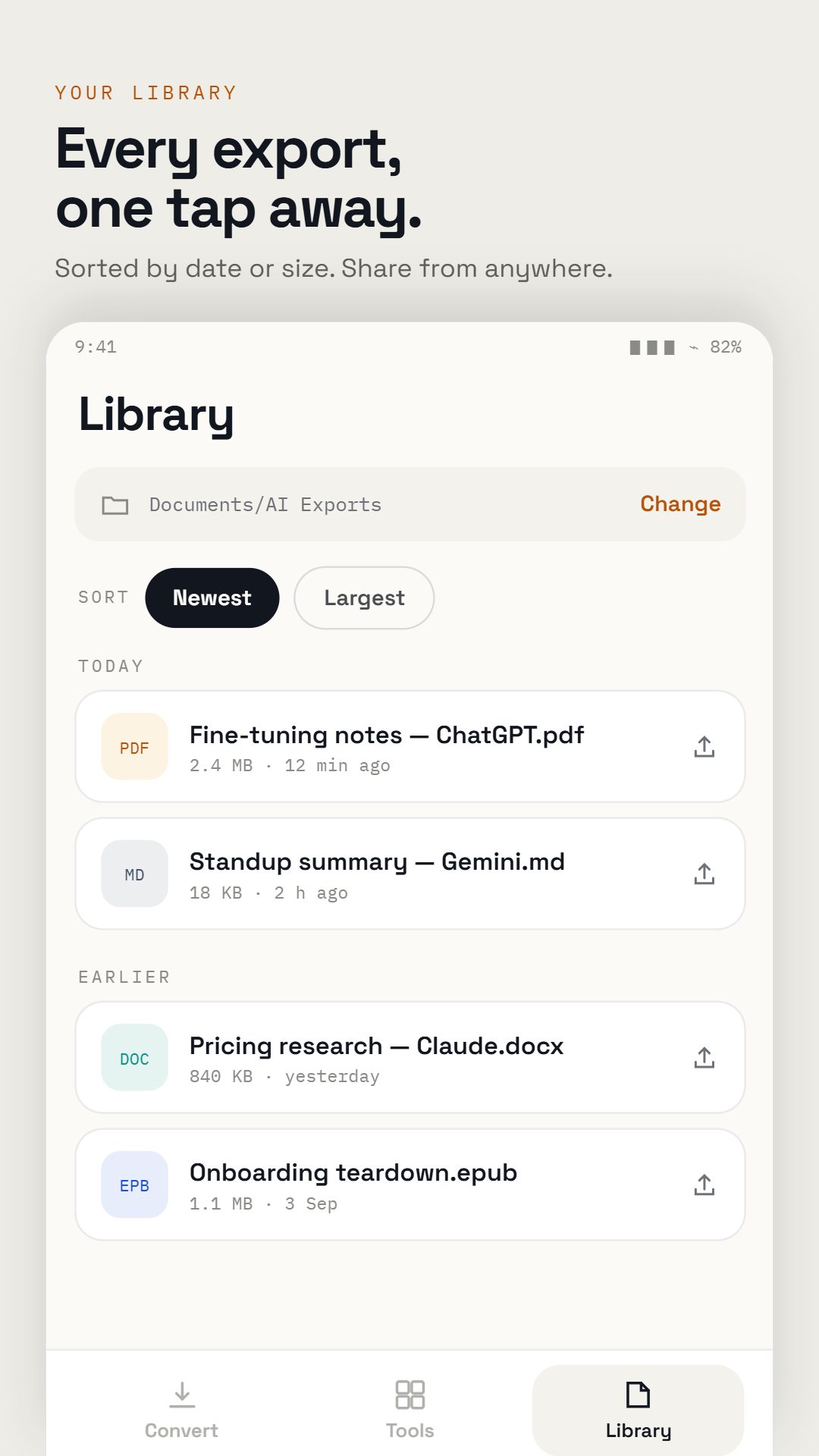
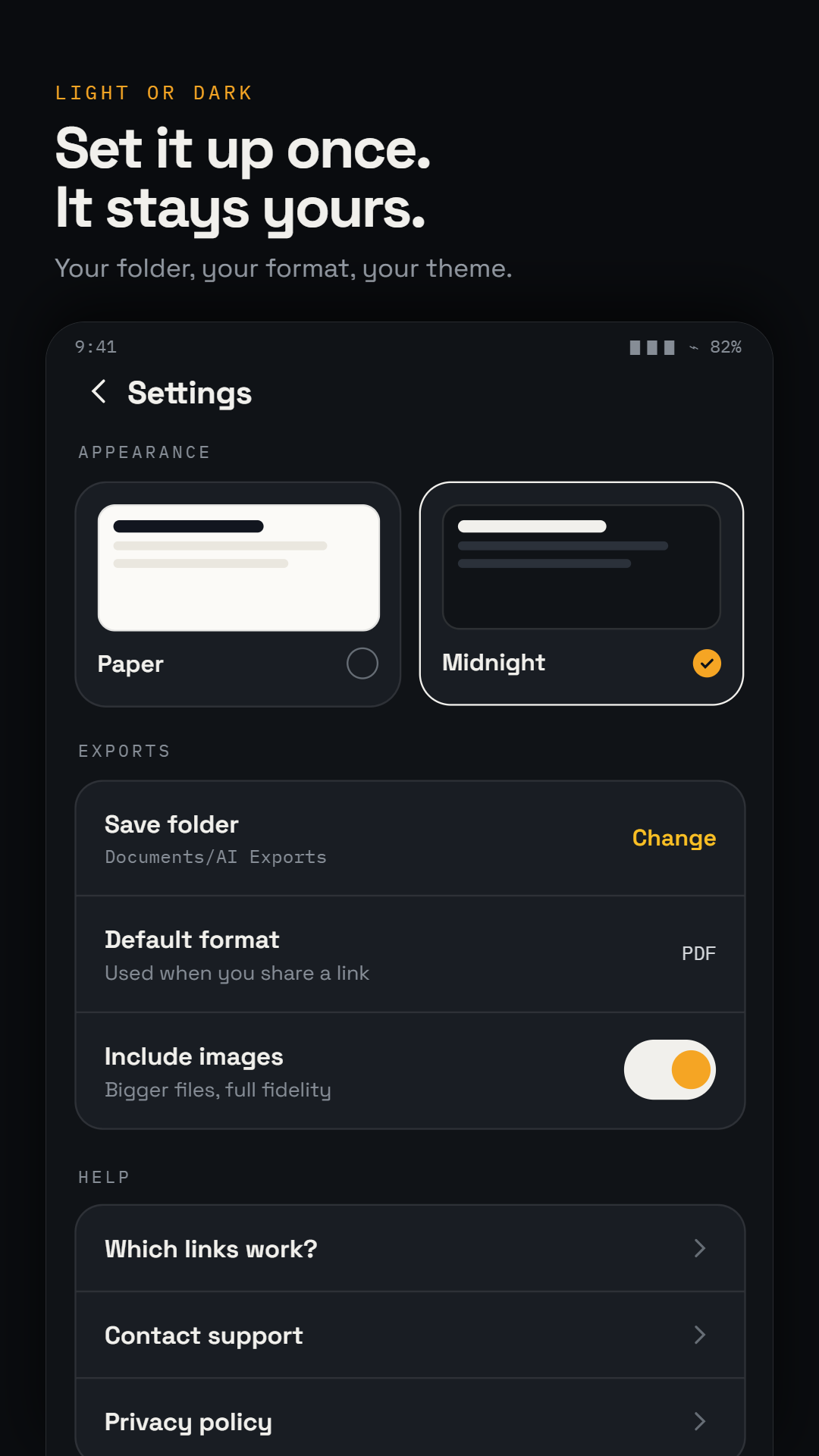
How AI Chat Exporter works
- In ChatGPT, Claude or Gemini, open the conversation and create a public share link.
- Copy the link and paste it into AI Chat Exporter.
- Choose PDF, Word, EPUB or Markdown.
- Export the file, then share it or keep it in the app's document library.
What happens to your conversation
To create your file, the link and its content are sent to our servers over an encrypted connection. They are processed in real time and are not saved, logged or stored once the conversion is complete. The app doesn't need an account, a sign-in or an email address.
AI Chat Exporter FAQ
Which AI chats can I export?
Any public conversation link from ChatGPT, Claude or Gemini, as well as ordinary public web pages. The link needs to be a public share link, because that is the page the app converts.
Is AI Chat Exporter free?
Yes. AI Chat Exporter is free to download from Google Play and shows ads to stay free.
Do I need an account?
No. There is no sign-up or sign-in, and the app never asks for your name or email address.
Are my conversations stored?
No. Your link and its content are processed only to create your file and are deleted once the conversion is complete.