
Markdown, EPUB, and PDF on Android
Free for Android
Markdown Studio for Android
Read and write Markdown. Open EPUB and PDF.
Markdown Room for Android. Open the Markdown notes, EPUB books, and PDFs already on your phone in one app, with no account, no uploads, and edits saved straight back to your files. Free to download, with the full app unlocked by a one-time in-app purchase.
- GitHub-flavoured Markdown with typeset maths
- Paginated EPUB reader and full PDF controls
- Eight reading themes and local PDF export
- No account, no ads, no tracking, no subscription
Inside the app
See how Markdown Studio works
Scroll to explore
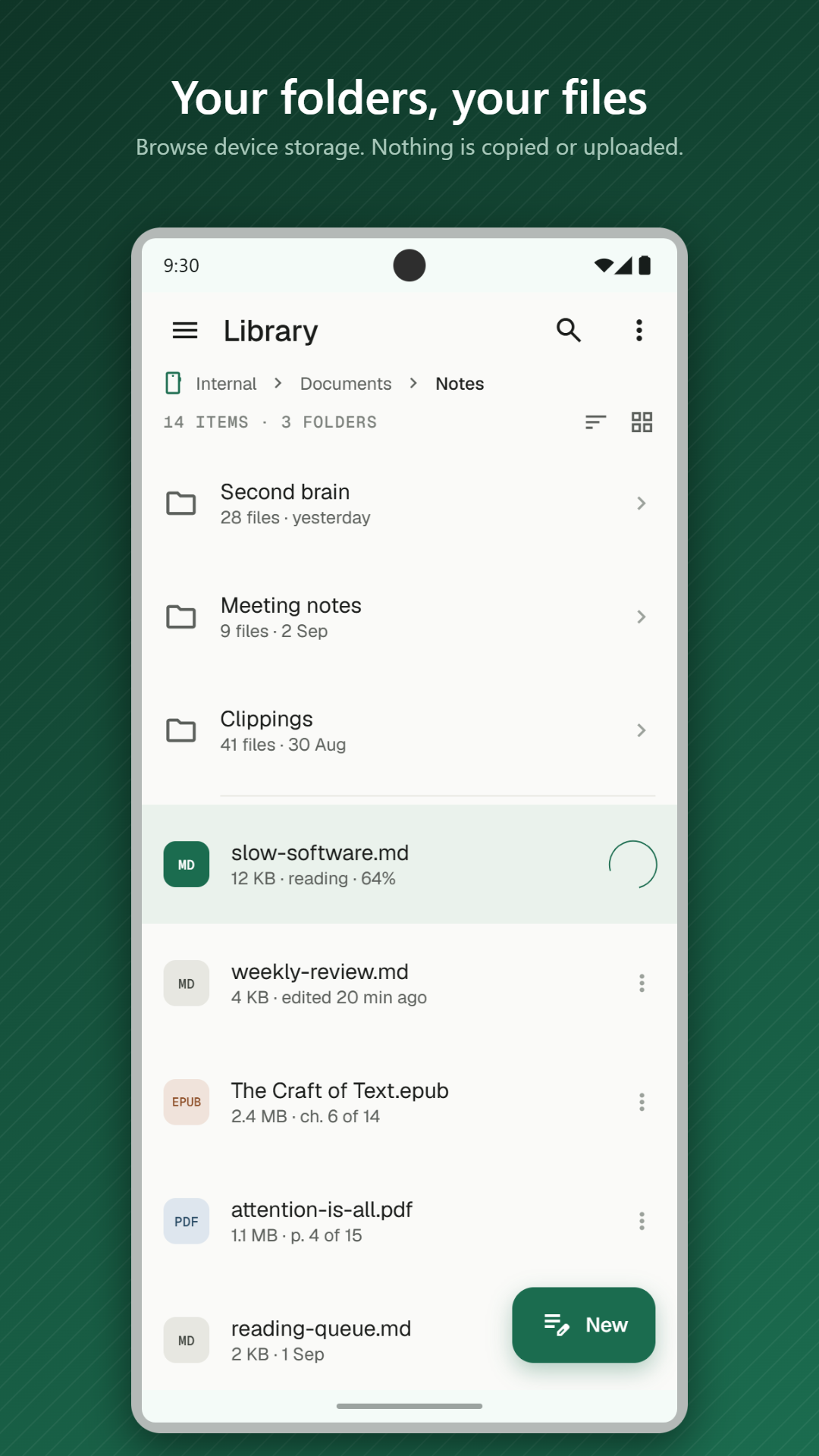
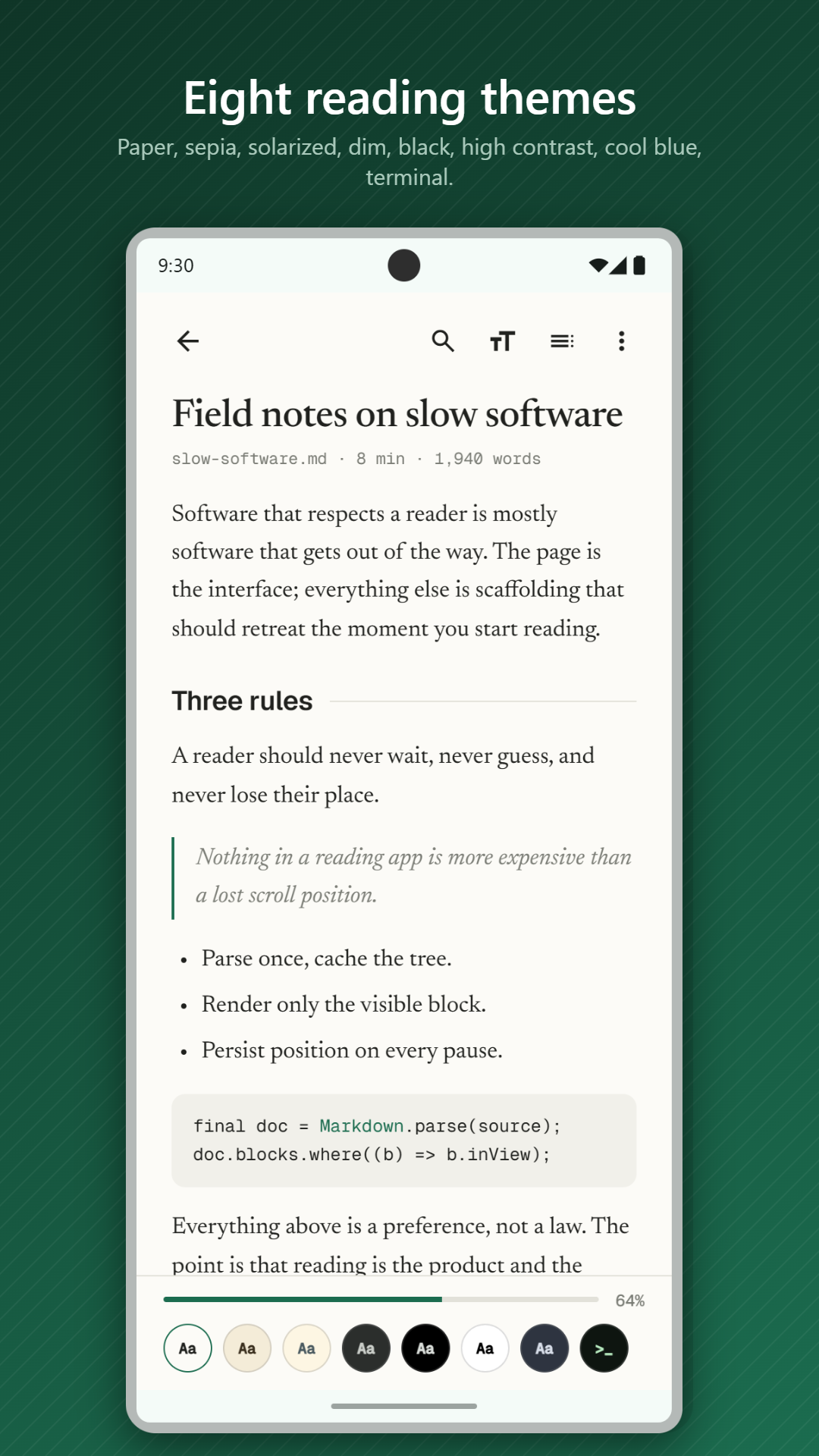
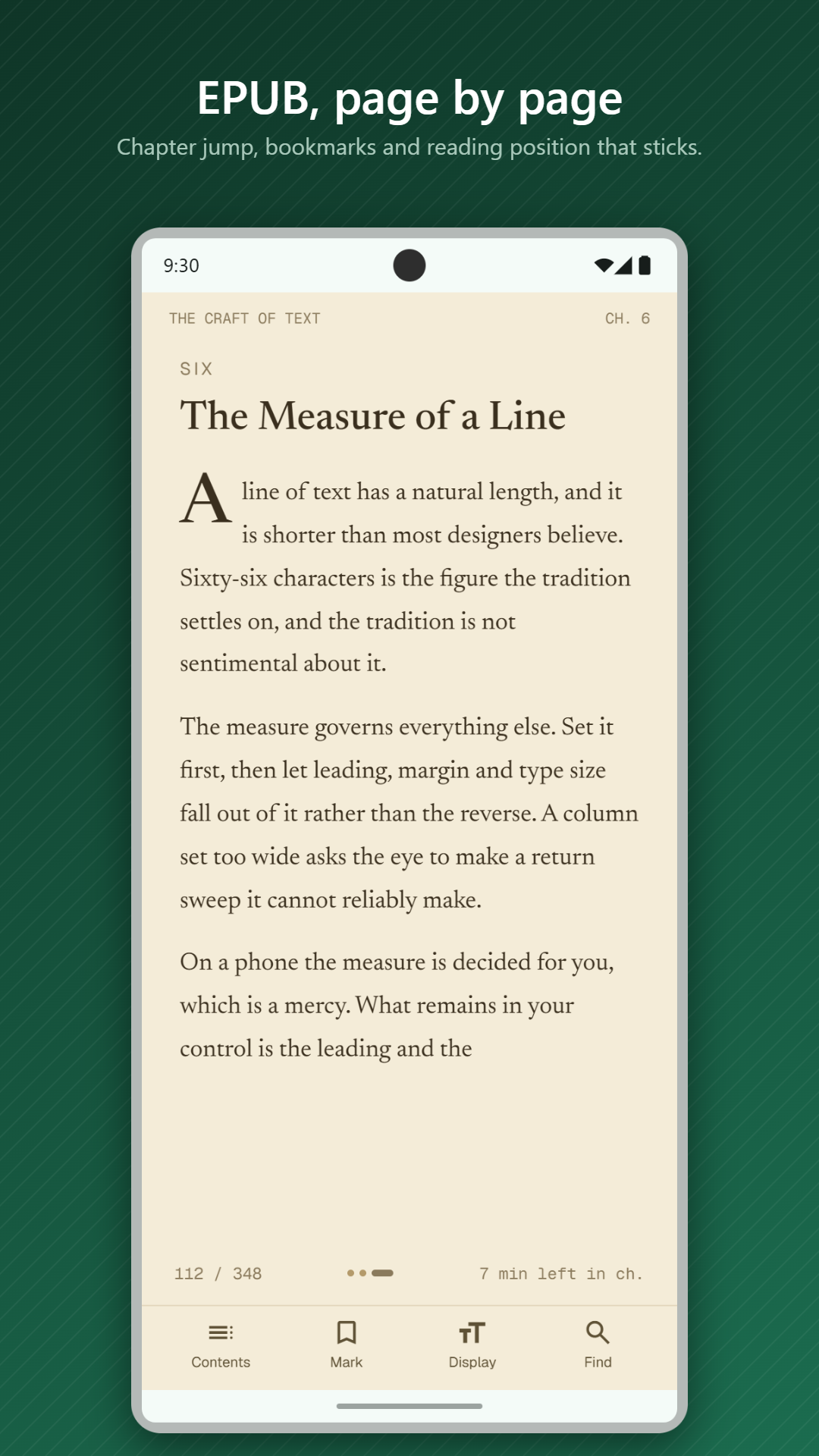
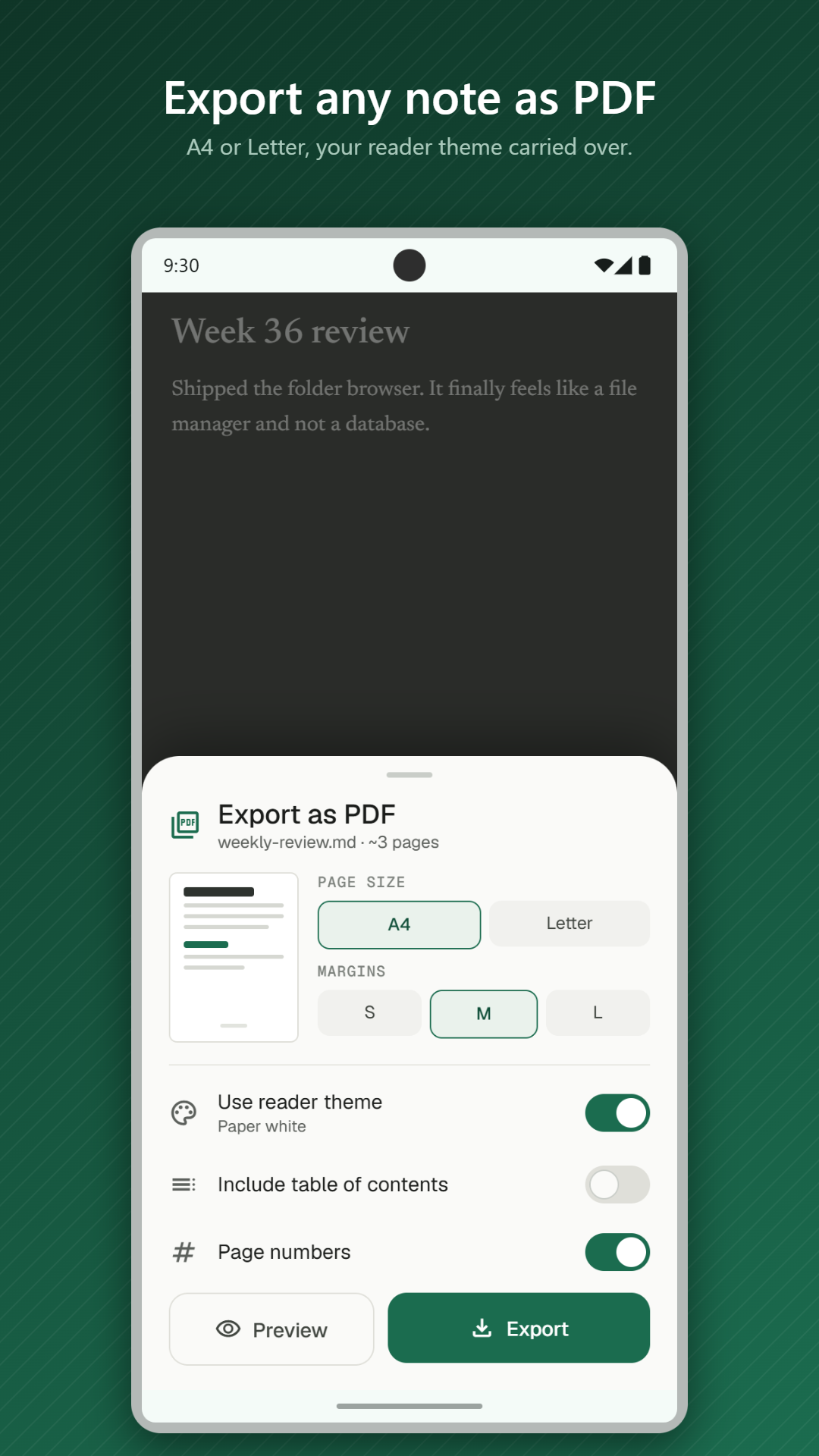
Read and write the files already on your phone
Point Markdown Studio at the folders you already use. It opens Markdown notes, EPUB books and PDFs in one app, and your edits are saved straight back to the original files.
- Write GitHub-flavoured Markdown with typeset maths
- Read EPUB books in a paginated reader
- Use full PDF controls
- Switch between eight reading themes
- Export documents to PDF on your phone
Private by design
There is no account, no ads, no tracking and no subscription. Files are opened where they already are and never uploaded. The only network requests the app makes are to fetch images your Markdown files link to, and to confirm your purchase with Google Play.
Markdown Studio FAQ
How much does Markdown Studio cost?
Markdown Studio is free to download from Google Play, and the full app is unlocked with a one-time in-app purchase. There is no subscription.
Which file types does it open?
Markdown files, which you can read and edit, plus EPUB and PDF files for reading.
Does it upload my files?
No. Everything you open, read, edit or export stays on your phone. We never receive a copy of your files or their contents.
Is there a Windows version?
Yes. On Windows the same app is called Markdown Room, and it is a one-time purchase from the Microsoft Store.