
Every photo tool, on your phone
Free for Android
Image Toolkit for Android
Compress, convert, remove backgrounds and make passport photos. All on-device.
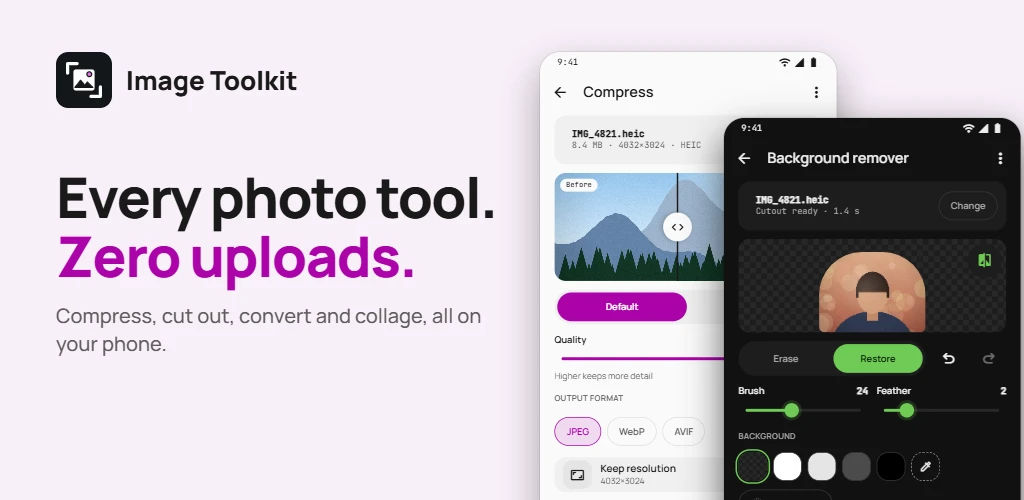
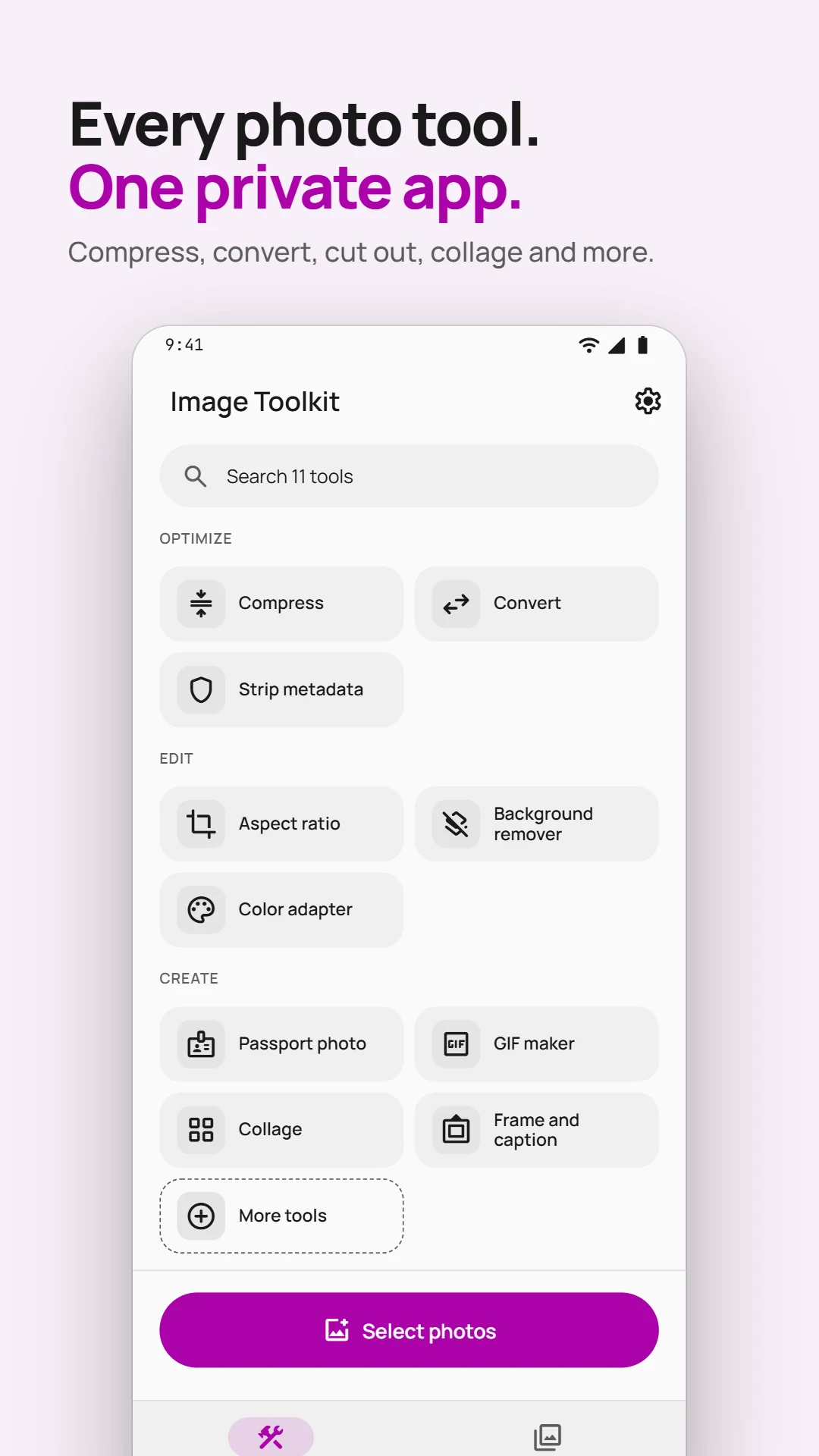
Image Toolkit puts 15 photo tools in one app. Compress photos to an exact size, convert HEIC to JPG, remove a background, make a passport photo, build a collage or GIF, and blur faces before you share. Every tool runs on your phone, so your photos are never uploaded.
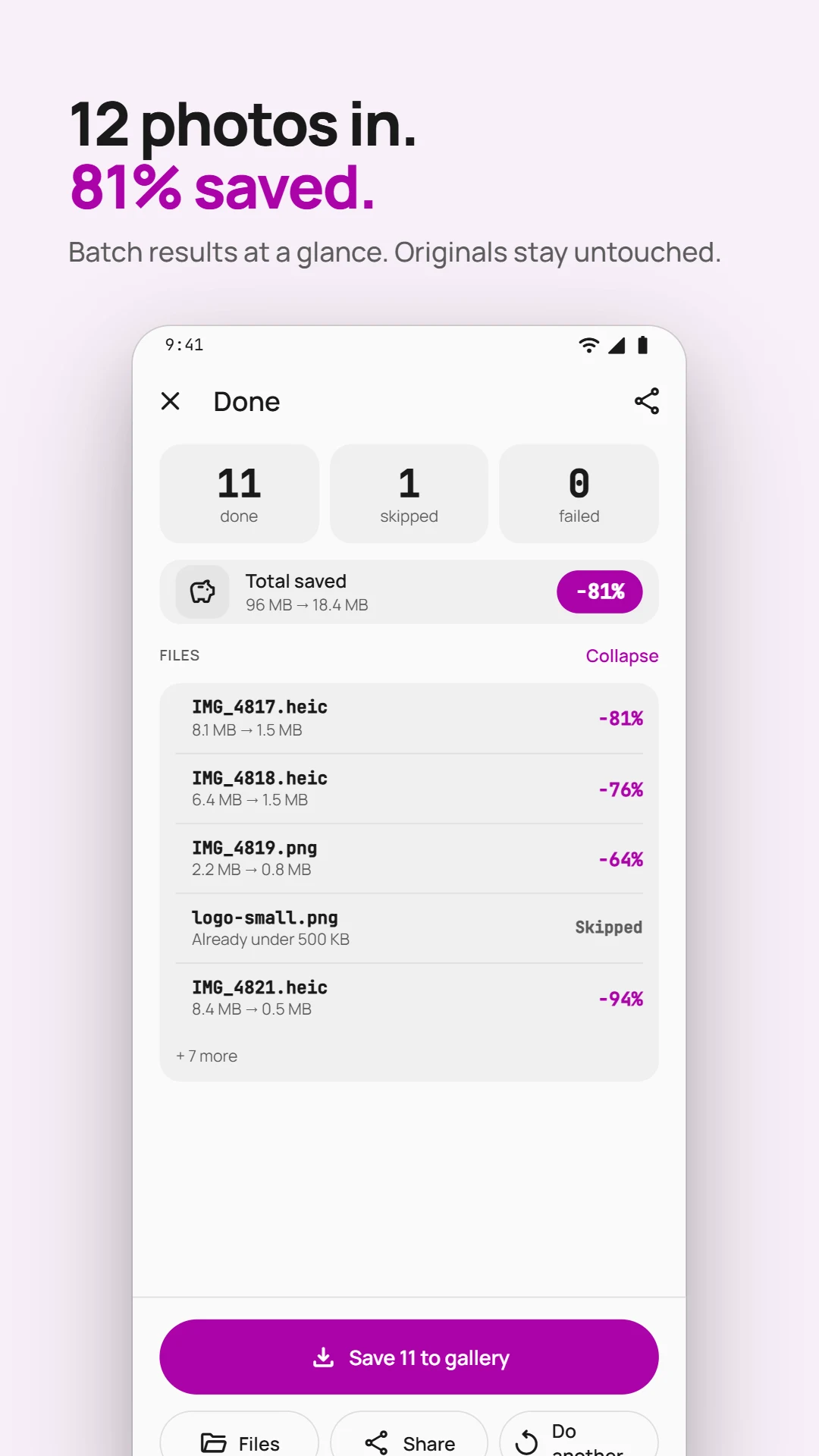
- Compress photos to an exact size, up to 50 at once
- Remove backgrounds and blur faces, even offline
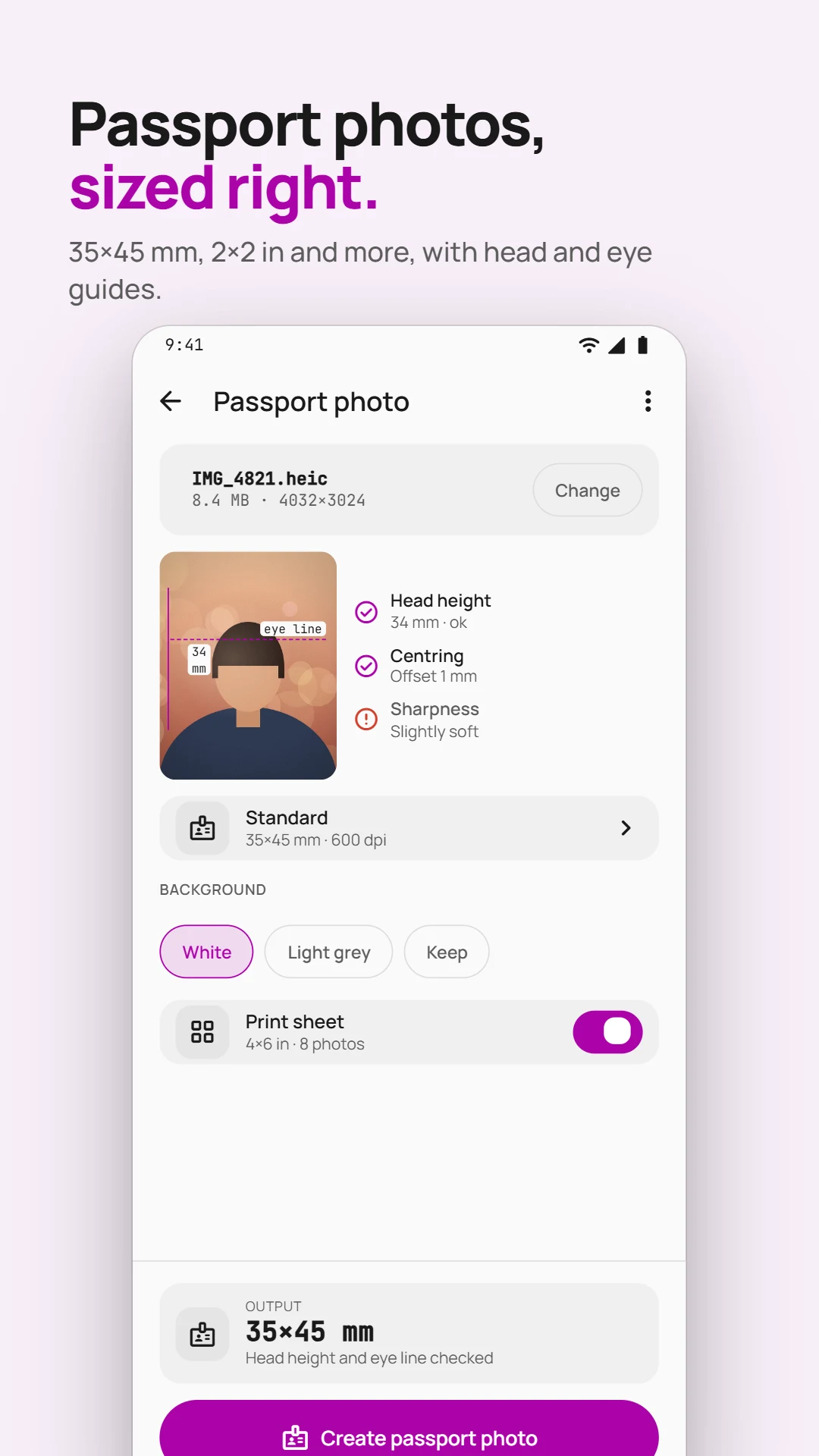
- Passport photos with a 4×6 in print sheet
- On-device only, with no account or uploads
Inside the app
See how Image Toolkit works
Scroll to explore
How to use Image Toolkit
- Pick photos with Android's photo picker, or share them to Image Toolkit from any app.
- Choose a tool. Image Toolkit suggests the ones that fit the photos you picked.
- Compare the result before and after.
- Save it to your gallery or a folder, or share it. Recent results stay in your Library.
Optimize
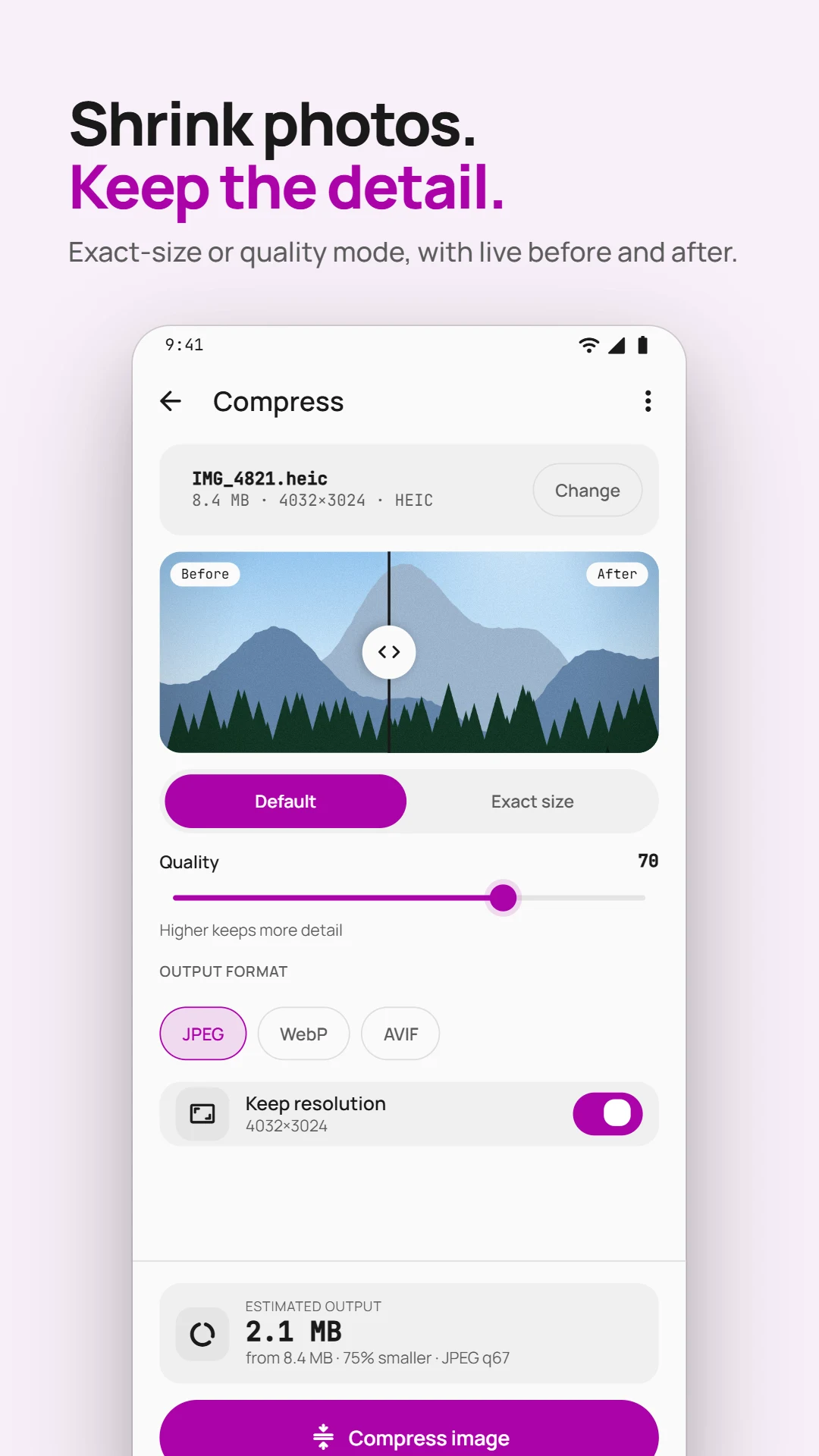
- Compress: make photos smaller with a quality slider, or set an exact size such as "under 500 KB" for upload forms. Up to 50 photos at once.
- Convert: change photos to JPEG, PNG, WebP or AVIF. Opens HEIC photos from iPhones and other cameras.
- Strip metadata: remove GPS location, camera details and other hidden information before you post or send a photo, after seeing what each photo contains.
Edit
- Aspect ratio: crop or fit photos to 1:1, 4:5, 9:16, 16:9, 21:9 or a custom ratio, for posts, stories and wallpapers.
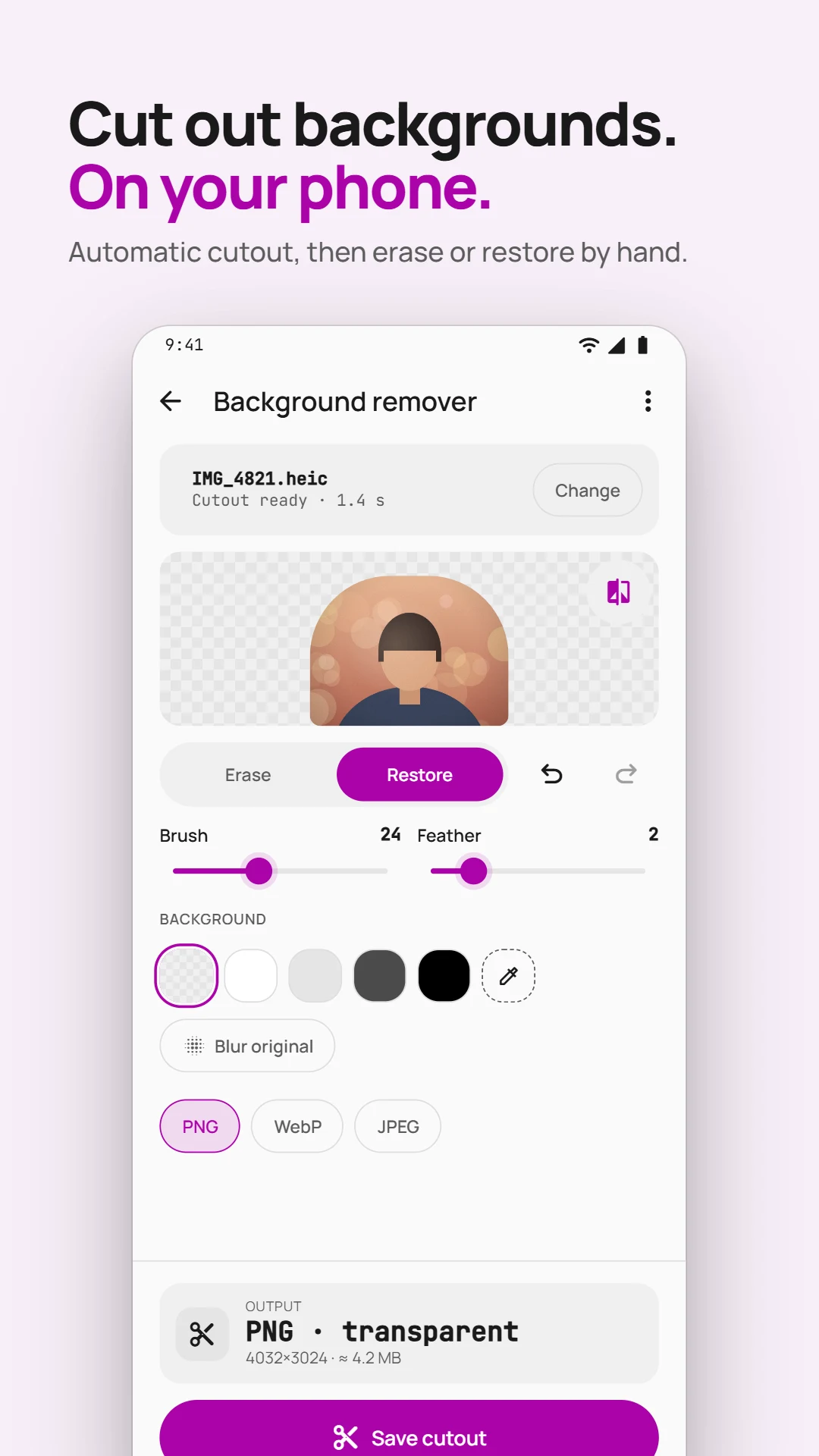
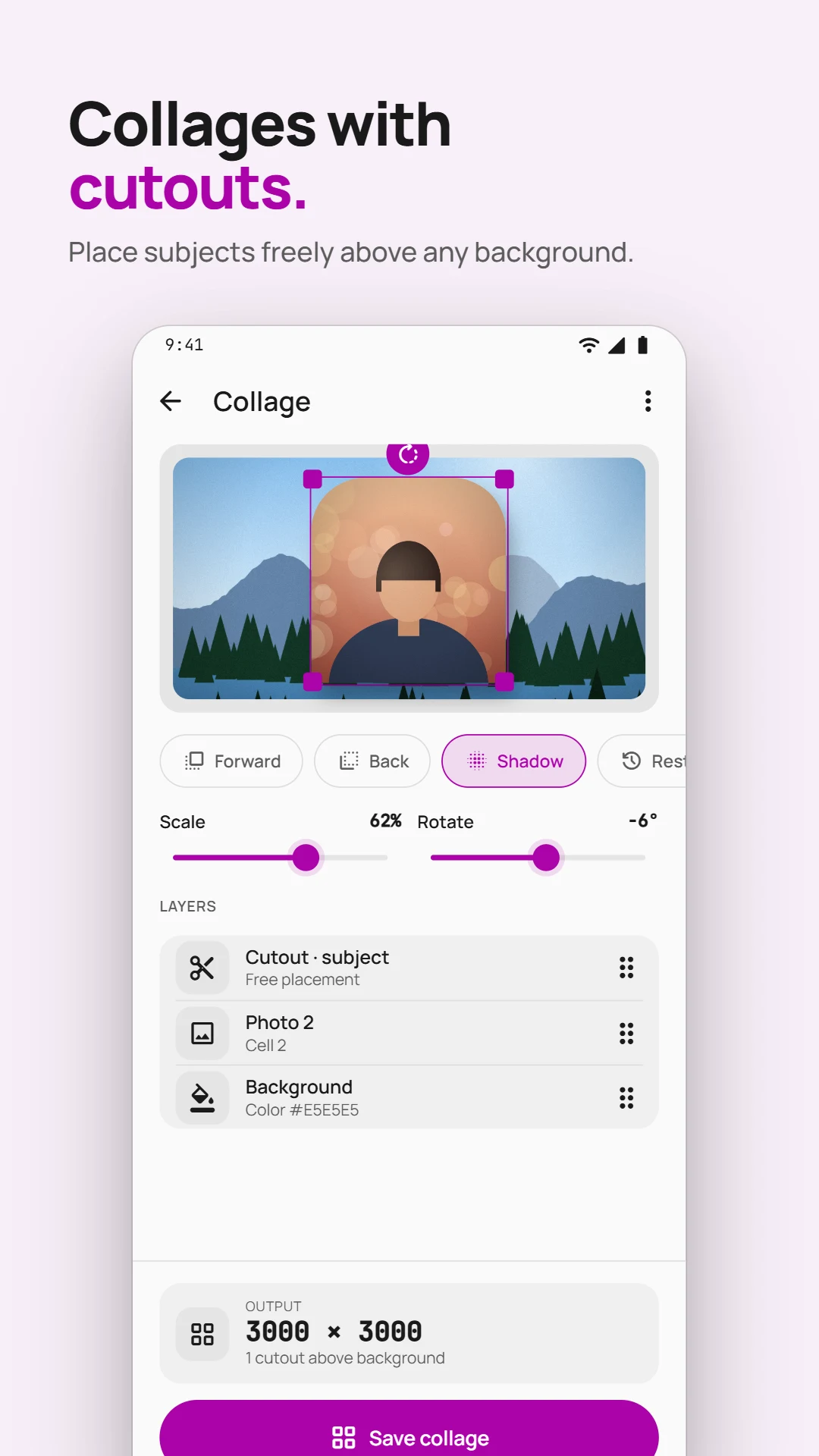
- Background remover: cut out a person or object automatically and refine the edges with a brush, then keep it transparent, put it on a solid colour or blur the original background.
- Color adapter: give photos a colour grade or palette with adjustable intensity.
- Rotate and flip: turn or mirror photos. JPEGs can be rotated without losing quality.
Create
- Passport photo: 35×45 mm for the UK, EU and Australia, 2×2 in for US passports, or 33×48 mm for India. The app finds the face and positions it, and makes a 4×6 in print sheet for a photo shop.
- GIF maker: turn up to 60 photos, or a clip of up to 20 seconds from a video, into an animated GIF, with its frame rate, timing and looping.
- Collage: arrange up to 12 photos in a grid, or lift subjects out of your photos and layer them into a new scene.
- Frame and caption, and watermark: add a border and a few words, or your text or logo, placed once or repeated across the image.
- Image to text: read text from a photo and copy, share or save it, in English and other Latin-script languages and in Hindi, Marathi and other Devanagari text.
- Blur faces: detect faces automatically, or mark any area, then blur or cover it.
Private by design
Your photos are processed on your phone and never uploaded. Background removal, face detection and text recognition work offline, and there is no account or sign-up. The app does not ask to read your whole gallery: you choose photos with Android's photo picker. Your originals are never changed; every result is a new file.
Image Toolkit FAQ
Does Image Toolkit upload my photos?
No. Every tool runs on your phone, so your photos are never uploaded. Background removal, face detection and text recognition work offline, and there is no account.
Can I compress a photo to a specific size?
Yes. Set an exact size, such as under 500 KB for an upload form, or use the quality slider. You can compress up to 50 photos at once.
Does it change my original photos?
No. Your originals are never changed. Every result is saved as a new file.
Which passport photo sizes does it make?
35×45 mm for the UK, EU and Australia, 2×2 in for US passports and 33×48 mm for India. The app finds the face and positions it for you, and makes a 4×6 in print sheet ready for a photo shop.
Can it open iPhone HEIC photos?
Yes. It opens HEIC photos from iPhones and other cameras and converts them to JPEG, PNG, WebP or AVIF.
Is Image Toolkit free?
Yes. Image Toolkit is free on Google Play and shows ads.